In this article
“Where is my order?” is the most common support message almost every business receives, and almost all of it is avoidable. Customers ask because nobody told them.
A proactive update sequence costs a few automated messages and removes a large share of your inbound support volume.
Notify on events, not on a schedule
Send updates when something actually happens:
Event | Message |
Order placed | Confirmation with items, amount, expected date |
Payment received | Separate confirmation, which reassures |
Order being prepared | For made-to-order or longer lead times |
Ready for dispatch | Especially for pickup orders |
Dispatched | With tracking number and courier |
Out for delivery | The one customers most want |
Delivered | With proof |
Delay | As soon as you know, not when they ask |
A daily “your order is still being processed” message is noise. An event-driven sequence is information.
The messages
Order confirmed
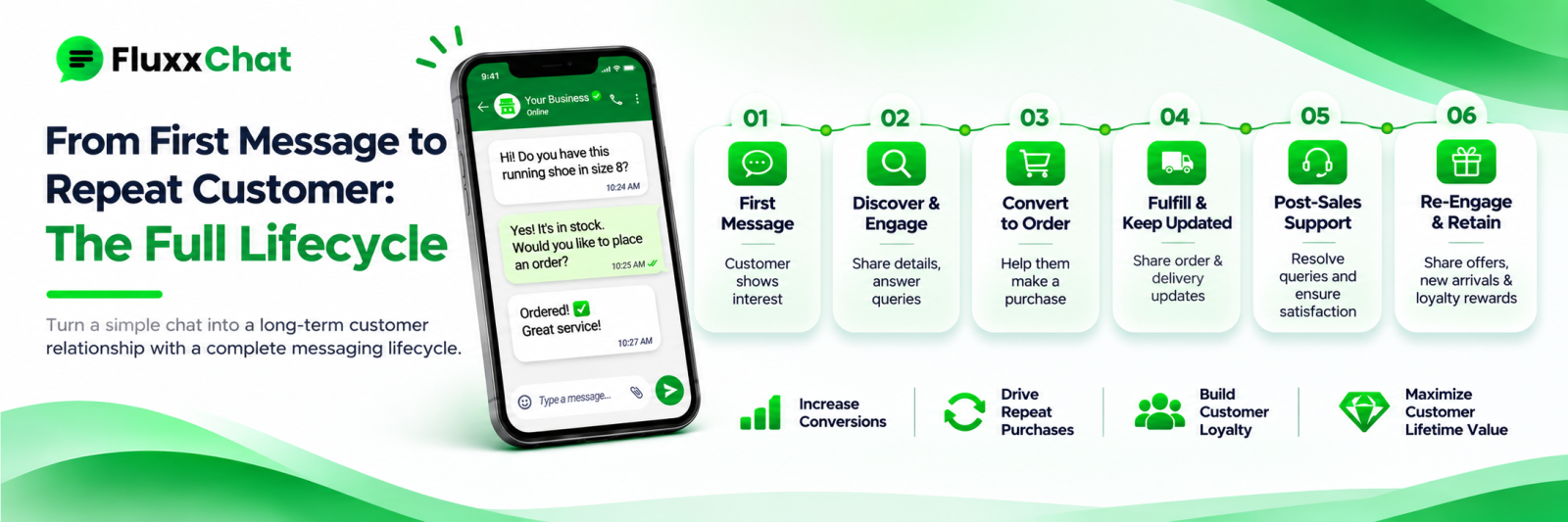
Order confirmed ✅ [Items] Total: ₹[amount] Expected delivery: [date] Order number: [number] We’ll update you at each step.
Dispatched
Your order [number] is on the way 🚚 Courier: [name] Tracking: [number / link] Expected: [date]
Out for delivery
Out for delivery today 📦 Order [number] will reach you by [time]. Delivery person: [name, number] (if you provide this) Please keep [payment method] ready. (for COD)
Delivered
Delivered ✅ Order [number] was delivered at [time]. Any issue, reply here and we’ll sort it out.
Keep every message under four lines, with the order number in each so the customer can reference it.
Delays: tell them first
This is the one that decides whether a delay becomes a complaint.
Bad: silence, then the customer asks on day four, then a vague “it will come soon”.
Good:
Hi [Name], an update on order [number]. There’s a delay at our end — [honest reason]. New expected delivery: [date]. Sorry about this. If that doesn’t work for you, reply and we’ll sort out a refund or alternative.
Three principles:
1. Tell them before they ask. The message that arrives before the customer notices is the one that preserves the relationship.
2. Give a real reason and a real new date. “Logistics issue” with no date makes it worse.
3. Offer an option. Most people will wait if asked; almost nobody forgives being ignored.
Never give a date you are not confident about. A second missed date costs far more than the first.
Make self-service easy too
Alongside proactive updates:
• A keyword that returns status: “Reply STATUS with your order number”
• A tracking link in every update
• An order history for repeat customers
• The courier’s own tracking page linked, not just the number
If your volume justifies it, connect your order system so the status reply is live rather than a human checking. See our API integration guide.
Delivery proof
For higher-value orders and for COD:
• Photo of the delivered package, where your courier supports it
• Delivery time stamp
• Name of the person who received it
• OTP-based delivery confirmation
This resolves “I never received it” disputes, which are otherwise one person’s word against another’s.
COD-specific updates
• Confirm the COD amount in the dispatch message, so there is no argument at the door
• Remind the customer on the morning of delivery to keep the amount ready
• Confirm whether the delivery person accepts UPI
• For refusals, record the reason
A large share of COD failures are “customer did not have cash”, which a morning reminder prevents.
Which channel
WhatsApp for almost everything in India: it is read, it supports links and images, and the thread becomes the order history.
Note that business-initiated messages need opt-in and approved templates, and order updates are usually treated as utility messages rather than marketing, which affects both the rules and the cost. Check Meta’s current WhatsApp Business Platform documentation, and see our templates guide.
Do not over-message
Five updates on a two-day delivery is irritating. Match the sequence to the lead time:
Lead time | Updates |
Same day | Confirmed, out for delivery, delivered |
2–4 days | Confirmed, dispatched, out for delivery, delivered |
1–2 weeks (made to order) | Confirmed, in production, ready, dispatched, out for delivery, delivered |
Delayed | Plus a delay notice, immediately |
Measure the reduction
Metric | What it shows |
“Where is my order” messages per 100 orders | The number this is meant to reduce |
Support messages per order, overall | Total load |
Delay notices sent before the customer asked | Proactivity |
Complaints about delivery | Experience |
Failed and refused deliveries | COD and address quality |
Repeat purchase rate | Whether the experience is good |
Measure the first row before and after. The drop is usually large and immediate, and it is the clearest way to justify setting this up.
Frequently asked questions
How many updates are too many? More than one per genuine event. Match the number of updates to the length of the delivery.
Do order updates cost money on WhatsApp? Business-initiated messages are charged by category; utility messages are generally cheaper than marketing. Check current pricing.
What if the courier gives no tracking? Send your own updates at dispatch and expected delivery, and ask the customer to confirm receipt.
Ready to automate WhatsApp and Instagram?
Start with FluxxChat: campaigns, chatbot and a shared inbox for your team.
Get started free