In this article
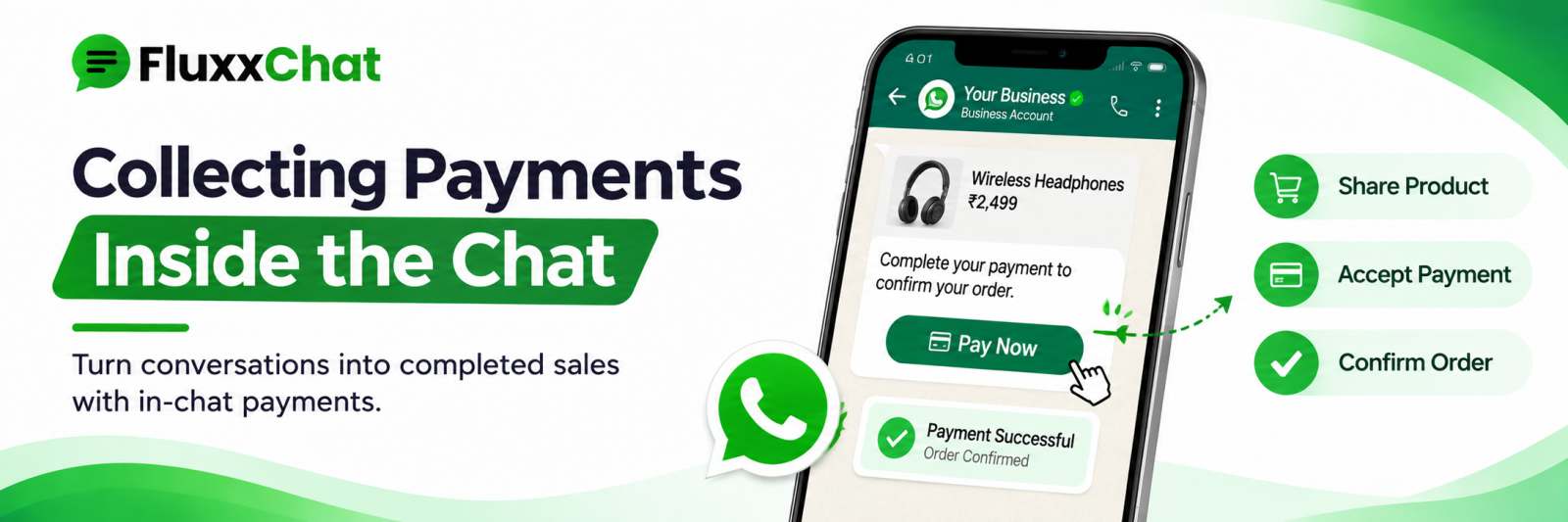
A customer has chosen the product, agreed the price and is ready to pay. Everything that happens in the next two minutes decides whether the sale completes. Make them open another app, find your UPI ID and type an amount, and a share of them simply stop.
Payment inside the conversation removes that gap.
The options
Method | Strength | Weakness |
UPI ID or QR | Universal, zero or low cost | Manual verification; screenshots can be faked |
Payment link | Automatic record, auto-reconciliation, cards and netbanking too | Small gateway fee |
Bank transfer | For large B2B amounts | Slow confirmation |
COD | Still expected in many categories | Returns risk, cash handling |
Partial advance | Protects you on custom orders | Needs a clear policy |
Practical recommendation: UPI for small everyday amounts, payment links for anything above your threshold, custom orders, or any customer you do not know. The gateway fee buys you an automatic record and removes the screenshot problem.
See our payment gateway guide.
Always send an order summary first
Before the payment request, one message:
Order summary 2 × Cotton Saree (Blue) — ₹2,499 each Delivery to Coimbatore — ₹100 Total: ₹5,098 Delivery by [date]
Then the payment request. This single habit prevents most “I thought it included delivery” disputes, and it gives you a written record both sides agreed to.
Confirm receipt properly
Never dispatch on a screenshot alone. Screenshots are easy to fake and are a known fraud pattern in DM-based selling.
• With a payment link, the gateway confirms automatically
• With UPI, check your own bank or UPI app, not the customer’s screenshot
• Match the amount, the reference number and the time
• Confirm in writing: “Payment of ₹5,098 received, thank you. Order confirmed.”
Written confirmation is for the customer’s comfort and your record.
Advances for custom and made-to-order work
For tailoring, custom furniture, printing, event work and anything made to order:
• State the advance percentage before taking the order
• Explain what it covers: material, booking, slot
• Say clearly what happens on cancellation
• Send the policy in writing before the advance is paid
• Confirm receipt and what it secures
Most disputes in custom work are about the advance and the cancellation. Writing it down before money moves prevents almost all of them.
Refunds and cancellations
Write the policy once and send it with the order summary:
• What can be cancelled, and by when
• What is refundable and what is not
• How long a refund takes
• How it is returned: same method, usually
Then honour it quickly. A slow refund produces more public complaints than almost anything else, and those complaints appear in your comments and reviews.
Reconciliation
For anything above a handful of orders a day, reconcile daily:
Check | Why |
Orders confirmed vs payments received | Catches unpaid dispatches |
Payments received vs orders recorded | Catches payments received for orders nobody logged |
Gateway settlement vs bank credit | Catches settlement gaps |
Refunds issued | Matches your policy |
Partial payments and balances | Outstanding against orders |
A record of every order with its payment status, in one place rather than scattered across chats, is the minimum. Scrolling WhatsApp to find out whether an order was paid does not scale past about ten orders a day.
Fraud patterns to watch
• A screenshot of a payment that never arrived
• “I paid, check again” with pressure to dispatch immediately
• A payment from an unrelated account, then a claim of a mistaken transfer and a refund request
• Overpayment followed by a request to refund the difference
• Urgency combined with a high-value order from a new contact
• A request to ship to an address different from the one discussed, at the last moment
Policy: dispatch only after verifying receipt in your own account, refund only to the original payment method, and never refund a difference on an overpayment without verifying the original payment has cleared and is not reversible.
Platform rules
Payment features available inside WhatsApp and Instagram vary by country and change, and Meta’s commerce policies restrict certain categories from selling through these channels at all.
Confirm current availability and policy for India before relying on any in-app payment feature, and check that your product category is permitted. Also confirm your own obligations on invoicing and GST with your CA.
After payment
• Order confirmation with items, amount and delivery date
• Dispatch update with tracking, where applicable
• Delivery confirmation
• A feedback or review request a few days later
• The invoice, if the customer needs one
Automating these removes the “where is my order?” messages. See our order status updates guide.
Frequently asked questions
Is a UPI screenshot enough proof? No. Always verify in your own account before dispatching.
Should we use payment links for everything? Use them above a value threshold and for unknown customers. For small, regular orders from known customers, UPI is faster.
How do we handle a customer who paid twice? Verify both payments cleared, refund the duplicate to the original method, and confirm in writing.
Ready to automate WhatsApp and Instagram?
Start with FluxxChat: campaigns, chatbot and a shared inbox for your team.
Get started free