In this article
- Why it works here
- Setting one up
- 1. Connect your WhatsApp number to your Facebook Page
- 2. Choose the right objective
- 3. Write the pre-filled message
- 4. Build the creative
- 5. Set up the automation behind it
- Where campaigns fail
- Handling the leads
- Qualify early, politely
- Separate real from casual
- Follow up, within the window
- Keep the data
- Measuring properly
- Making the budget work harder
- Frequently asked questions
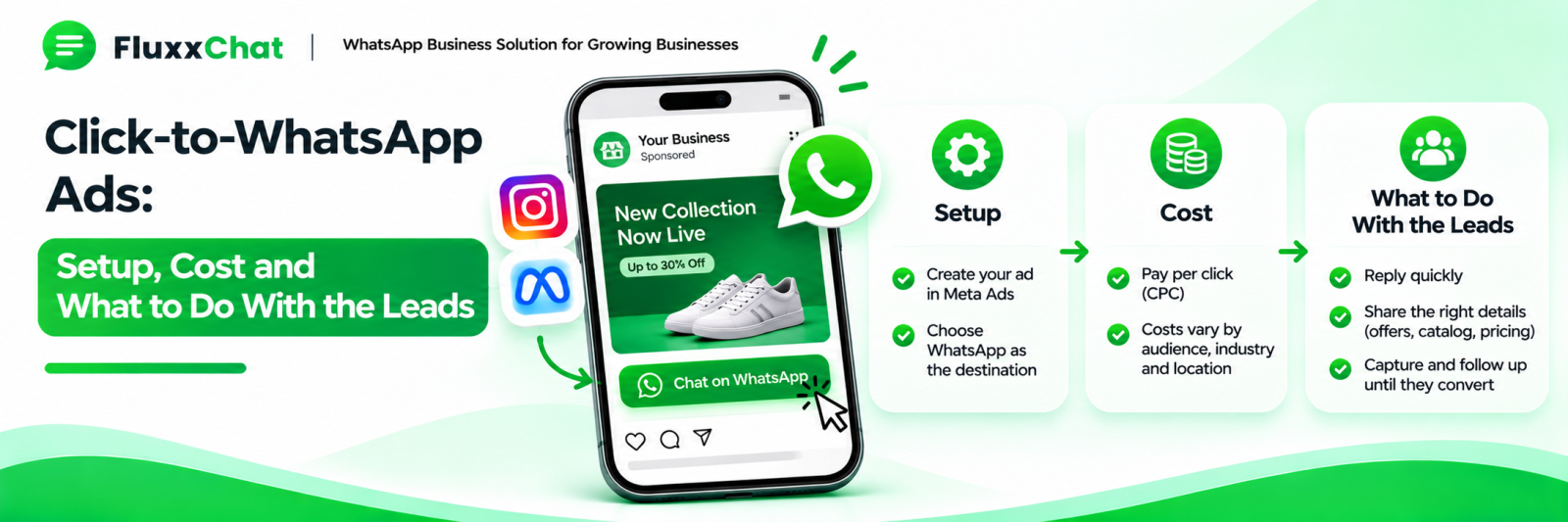
A click-to-WhatsApp ad is a Facebook or Instagram advert whose button opens a WhatsApp chat with your business instead of sending people to a website.
For Indian local businesses this is often the best-performing ad format available, for a straightforward reason: there is no landing page, no form, and no friction. One tap and the person is in a conversation.
It is also the format most commonly wasted, because the ad works and the reply does not come.
Why it works here
| Website landing page | Click-to-WhatsApp |
Steps to contact you | Tap ad → page loads → find form → fill → submit | Tap ad → chat opens |
Page load time | Matters a lot on mobile data | None |
Form abandonment | Common | No form |
What you get | An email in an inbox | A live conversation |
Follow-up | Email or a cold call | Reply in the same thread |
Familiarity | Varies | Everyone uses WhatsApp |
The removal of the landing page is the whole advantage. On a patchy mobile connection, a slow page is where most of your ad budget disappears.
Setting one up
1. Connect your WhatsApp number to your Facebook Page
This has to be done before the ad can use it. If your number is on the Business API, it connects through your Meta Business account.
2. Choose the right objective
In Meta Ads Manager, select the objective that allows messaging as the destination, then choose WhatsApp as the messaging app.
3. Write the pre-filled message
This is the message that appears, already typed, in the customer’s chat box. They just press send.
It is the most important and most neglected part of the whole setup.
Poor
Hi
Tells you nothing. You now have to start from zero.
Better
Hi, I saw your ad about the Diwali offer on home appliances. Please send me the details.
Better still, for qualifying
Hi, I am interested in the 2 BHK at Saravanampatti. Please share the floor plan and price.
What a good pre-filled message does:
• Tells you which campaign produced this lead
• Tells you what they want
• Opens the 24-hour window the moment they send it
• Saves the customer typing
Use a different pre-filled message for every campaign. That alone gives you campaign attribution with no tracking setup at all.
4. Build the creative
The same rules as any Meta ad, with one addition: say what happens when they tap.
• Show the actual product or service
• Keep the first line of text specific, not clever
• Make the offer concrete — a figure, a date, a thing
• Include “Message us on WhatsApp” so the action is obvious
Video and reels generally outperform static images on Instagram. Real footage of your work, your shop or your product usually beats a designed graphic.
5. Set up the automation behind it
Before the ad runs, decide what happens when the message arrives.
The instant reply should acknowledge, qualify and set expectation:
Hi! Thanks for your interest in the 2 BHK at Saravanampatti.
Sending you the floor plan now. 📄
Are you looking to move in immediately, or planning for later?
Our team will call you shortly to arrange a site visit.
Three things happen: they get something immediately, you get a qualifying answer, and they know a person is coming.
Where campaigns fail
Almost always at the same place.
The ad works. The reply does not come.
Someone taps at 8pm. The team sees it at 11am the next day. By then they have messaged two competitors and one of them replied in four minutes.
The gap between tap and reply is the single biggest determinant of whether a click-to-WhatsApp campaign is profitable.
What this requires
• An automated first response within seconds, always
• A person responding within minutes during working hours
• Someone covering evenings and weekends, at least partially
• A shared inbox so it is not one person’s phone
• Clear ownership so nothing sits unanswered
If you cannot answer quickly, do not run the campaign yet. You will pay for conversations you do not have.
Handling the leads
Qualify early, politely
Two or three questions in the first exchange. What exactly they want, their timeline, and one detail specific to your business — budget, area, size, date.
This is not interrogation. Frame it as helping:
So I can send the right options — are you looking at 2 BHK or 3 BHK, and which area suits you best?
Separate real from casual
Ad traffic is colder than search traffic. A person searching “2 BHK Saravanampatti” has decided to look. A person who saw your reel while scrolling has not.
Expect a higher proportion of casual enquiries, and do not treat that as campaign failure. What matters is cost per qualified lead, not cost per message.
Follow up, within the window
Most ad leads do not convert in the first conversation. Follow up the same day, inside the free 24-hour window. After that you need a template and you pay for it.
A simple pattern: respond immediately, send the detail, ask a question, and follow up once before the window closes.
Keep the data
Every lead should be saved with its source campaign, what they asked for, and what happened. Without that you cannot tell which campaign is worth more budget.
Measuring properly
Metric | What it tells you |
Cost per message started | Meta’s headline number |
Messages that got a reply from the customer | Whether your first response works |
Qualified leads | The number that matters |
Cost per qualified lead | The real campaign cost |
Qualified leads that became customers | The only commercial measure |
Response time | The thing that moves all the others |
Do not optimise on cost per message. A campaign producing cheap messages from people with no intent is worse than one producing fewer, serious conversations. Track through to customers.
Making the budget work harder
Separate campaigns by product or service. Each with its own pre-filled message. Then you can see which one actually produces customers and move budget accordingly.
Test the creative, not just the targeting. For most local businesses the creative makes more difference than audience settings.
Use location targeting tightly. If you serve Coimbatore and 30km around it, do not pay to reach Chennai.
Retarget people who messaged and went quiet — with opt-in and an approved template, or through Meta’s own retargeting.
Run the campaign when you can answer it. If nobody works Sundays, consider scheduling around that rather than paying for conversations that wait until Monday.
Frequently asked questions
Do I need WhatsApp Business API for this? No — click-to-WhatsApp ads work with the Business app too. But with the app, replies are limited to one phone and one person, and automation is minimal. With the API you get instant automated responses, a shared inbox and proper tracking, which is usually what makes the campaign profitable.
How much should I budget? Start small enough to learn without much risk, run it for a week, and measure cost per qualified lead. Scale what works. There is no universal figure — it depends on your industry, location and competition.
Why am I getting low-quality enquiries? Usually targeting that is too broad, creative that is too vague, or a pre-filled message that asks nothing. Tighten all three.
Can I run these on Instagram as well as Facebook? Yes, both — and Instagram often performs better for visual, consumer-facing businesses.
Is the first message free? The customer messages you first, which opens the 24-hour window, so your replies inside it are free. You pay Meta for the ad click, not for those messages.
How fast is fast enough? Automated: seconds. Human: under fifteen minutes in working hours. Beyond an hour, conversion falls sharply.
Ready to automate WhatsApp and Instagram?
Start with FluxxChat: campaigns, chatbot and a shared inbox for your team.
Get started free