In this article
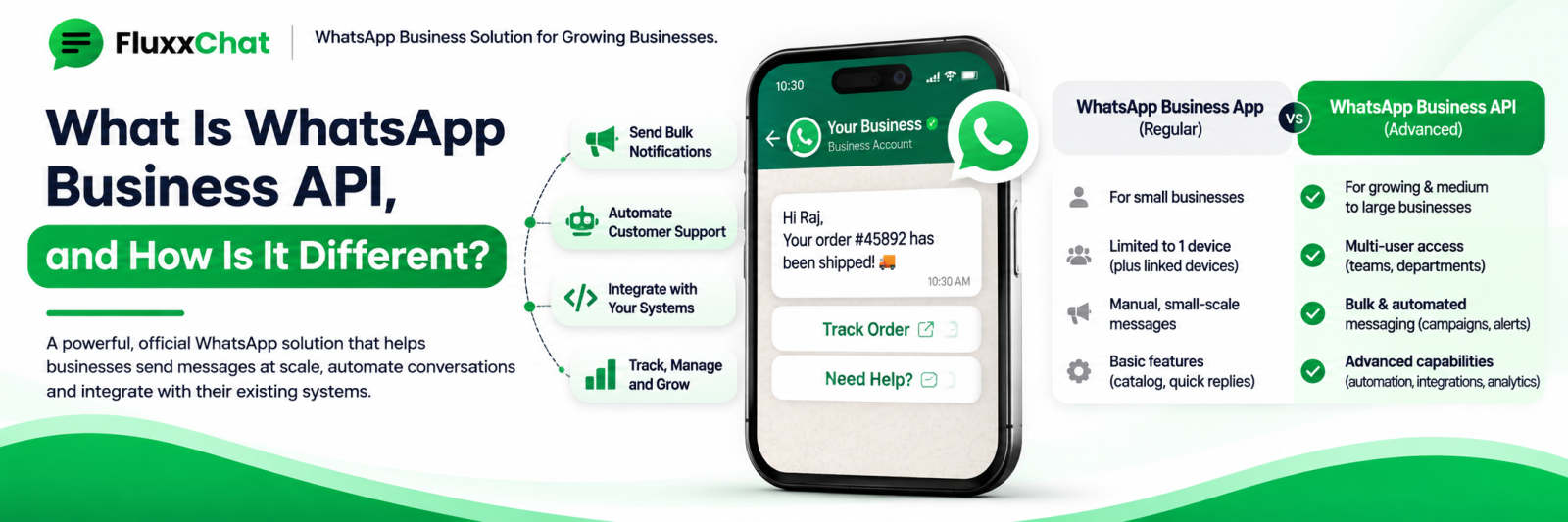
There are three WhatsApps, and the names do very little to explain the difference.
• WhatsApp — the personal app
• WhatsApp Business — a free app for small businesses
• WhatsApp Business API — not an app at all
Most of the confusion comes from that last point, so start there.
The API is not an app
You cannot download it. There is no icon, no login screen, no interface of its own.
The API is a connection. It links your WhatsApp number to software, and the software provides everything you actually see and use — the inbox, the automation, the reporting, the broadcasts.
So “moving to the API” really means: your WhatsApp number stops living on a phone and starts being operated through a platform in a browser.
That one structural change is where every other difference comes from.
What changes, practically
| Business App | Business API |
Runs on | One phone | Any browser |
Who can reply | One person at a time | Your whole team |
Chat history | On that phone | On the platform |
Broadcast reach | Only contacts who saved your number | Anyone with valid opt-in |
Delivery reports | None | Delivered, read, failed |
Automation | Away message, quick replies | Full chatbot flows |
Instagram DMs | Separate app | Same inbox |
Connects to other systems | No | Yes |
Analytics | None | Response times, volumes, campaign results |
Cost | Free | Platform fee + Meta message charges |
The one rule that governs everything
On the API, messaging works in two modes.
Inside the 24-hour window. When a customer messages you, a 24-hour window opens. During it you can send anything — text, images, documents, voice notes — with no approval and no charge. Every new message from them resets the window.
Outside the window. You can only send a template — a message format Meta has approved in advance — and you are charged for it.
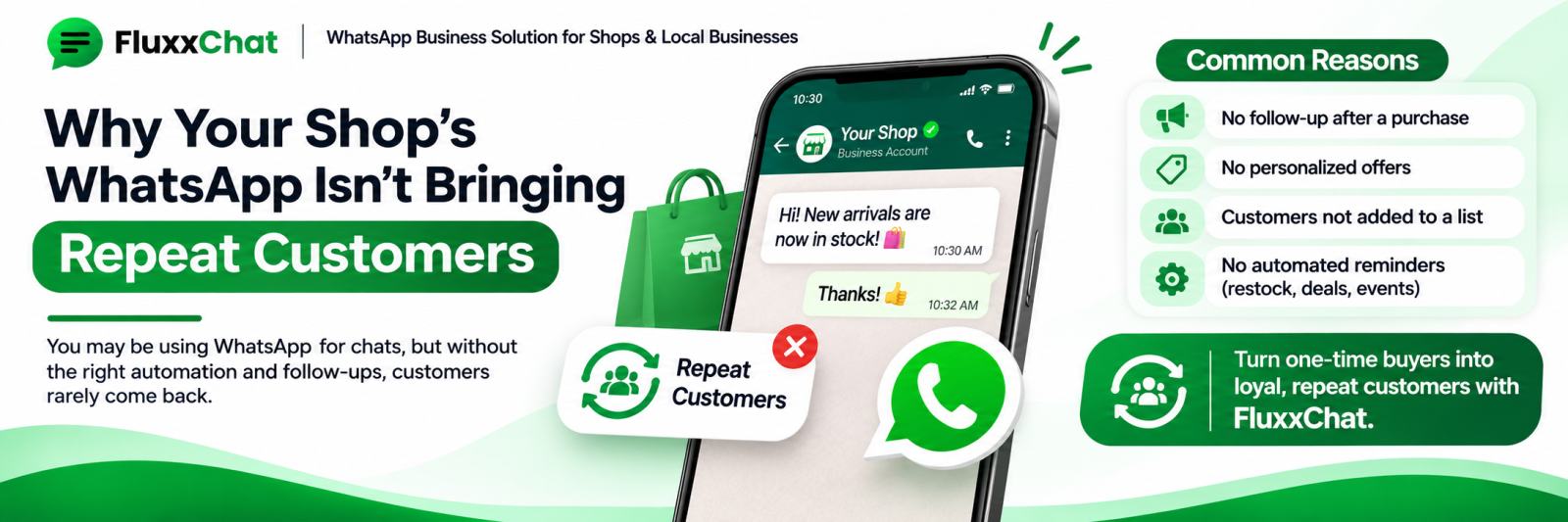
This is why the API involves templates and opt-in at all, and it is the thing most people do not expect. You cannot message whoever you like whenever you like.
For most businesses, the majority of messaging happens inside the window, answering enquiries. That part is free.
What the API can do that the app cannot
A shared inbox. Five people working the same number, conversations assigned to individuals, internal notes the customer never sees, and history that stays with the business when someone leaves.
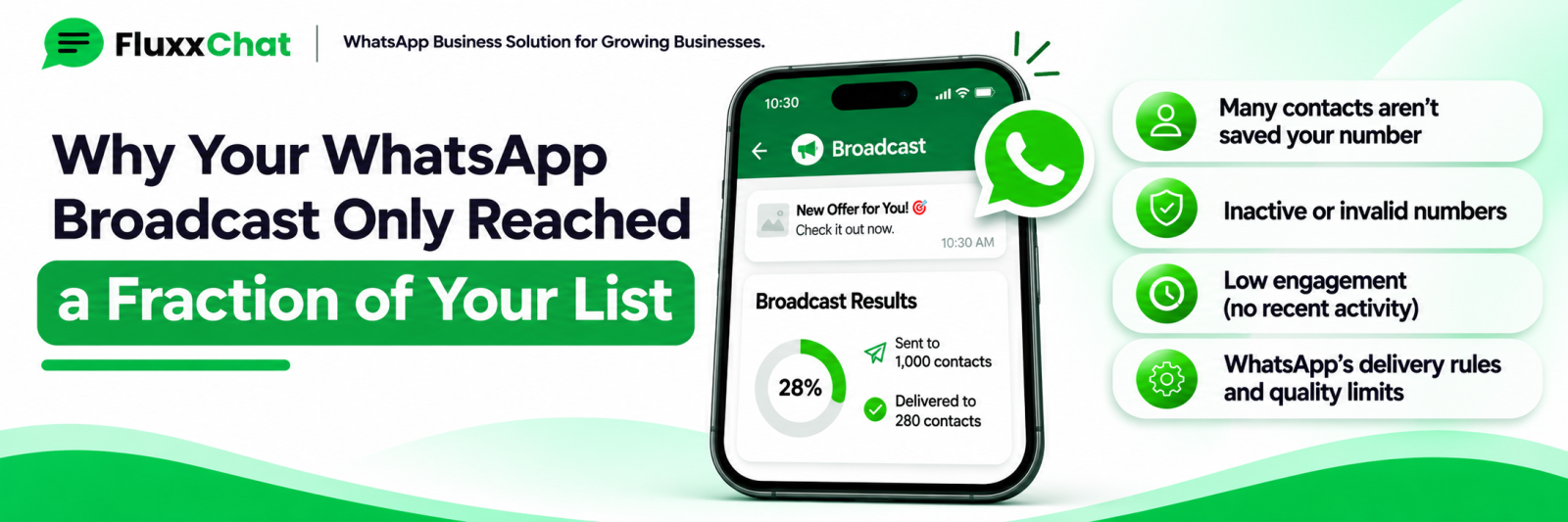
Broadcasts that actually deliver. The app only reaches people who saved your number — often a small fraction of your list, with no report telling you so. The API has no such limit and reports delivery.
Real automation. Not just an away message: flows that greet the customer, ask what they need, answer common questions, collect details, and hand over to a person at the right moment.
Instagram in the same place. Instagram DMs and comment-triggered messages land in the same inbox as WhatsApp.
Integration. Your CRM, your order system, your website. The app connects to nothing.
Measurement. How many enquiries, how fast you reply, which campaign produced which conversations, what each message cost.
What the API cannot do
Worth being clear, because expectations get set too high.
• It cannot message people who have not opted in
• It cannot send whatever you like outside the 24-hour window
• It does not remove Meta’s message charges
• It does not work on the WhatsApp phone app — the number leaves the app when it migrates
• It does not replace people. It makes a team more effective; it does not answer messages for you
• It does not guarantee a green tick. Verification is a separate process with its own criteria
Who it is for
The API makes sense when:
• More than one person needs to answer the same number
• Messages arrive outside working hours and get missed
• You want to reach your customer list and the app’s broadcast is not delivering
• You need it connected to your CRM or order system
• You cannot tell how many enquiries you received last month
• Chat history leaves with staff
The free app is still right when:
• One person handles everything
• You get a handful of messages a week
• Nobody has time to set up templates and flows
The API is not automatically better. It solves a specific set of problems, and if you do not have those problems it adds cost and setup for nothing.
What it costs
Two separate things.
The platform fee — for the software: inbox, automation, broadcasts, reporting. A fixed monthly or yearly amount.
Meta’s message charges — only for messages sent outside the 24-hour window. Charged per message, varying by category (marketing, utility, authentication) and country, paid from a prepaid wallet.
Any provider quoting a single all-inclusive figure is either capping your messages or adding a margin to Meta’s rates.
How you get set up
1. A verified Meta Business account
2. A phone number not currently active on WhatsApp — or an existing one migrated, which removes it from the app
3. A display name that reflects your business and meets Meta’s naming rules
4. Connection — with FluxxChat this runs through embedded signup, connecting your number to the official WhatsApp Cloud API in a few steps
5. Templates submitted for the messages you will send outside the window
6. Your team added, with roles
7. Flows built for your common enquiries
Realistically: connected within a day or two if your Meta account is ready; about a week to have templates approved and flows working properly.
Frequently asked questions
Is WhatsApp Business API only for large companies? No. That was true years ago when access was restricted. A three-person business with two people answering enquiries is a normal API customer today.
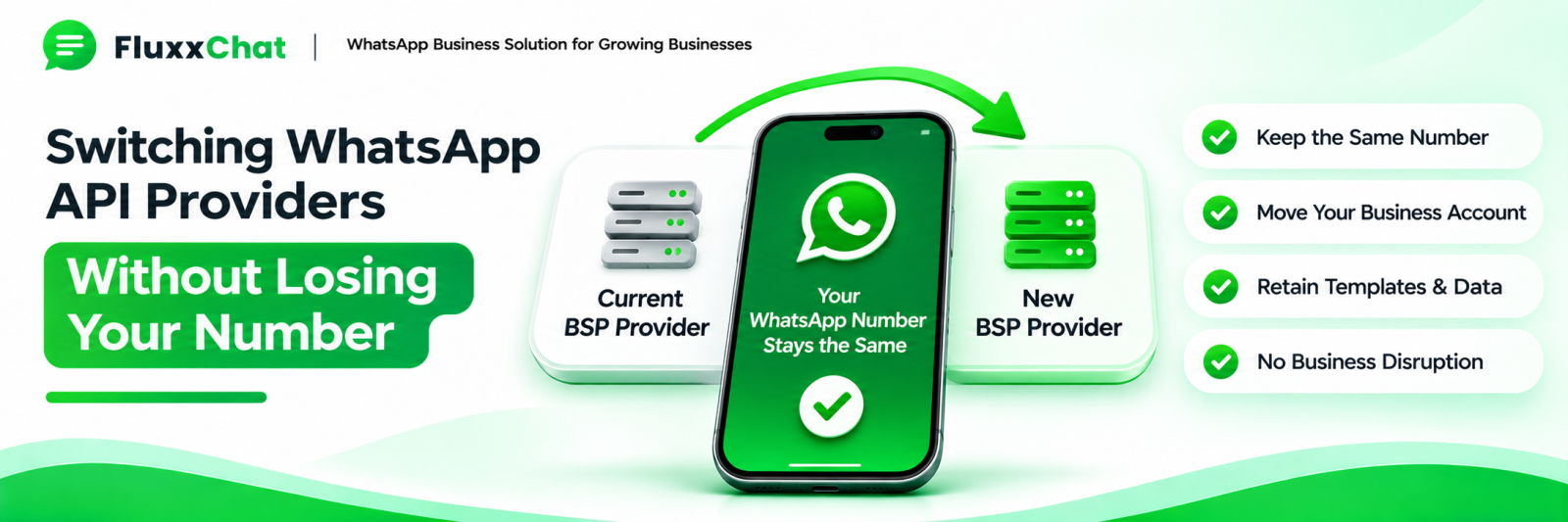
Can I keep my current number? Yes, through migration. Once migrated it no longer works in the WhatsApp Business app, so export anything you need first.
Do customers see a difference? They see the same WhatsApp chat. If you hold the green tick, they see a verified badge. Otherwise it is identical from their side.
Do I need a developer? Not for normal use through a platform interface. Developers are needed only when you want to connect your own systems through the API and webhooks directly.
Is there a free version of the API? No. The API itself is accessed through a provider, and Meta charges for certain messages. Replies within the 24-hour window are free, which for many businesses is most of their messaging.
What is the difference between Cloud API and On-Premises API? Cloud API is hosted by Meta and is the standard route today. On-premises hosting has been phased out for new users.
Ready to automate WhatsApp and Instagram?
Start with FluxxChat: campaigns, chatbot and a shared inbox for your team.
Get started free