In this article
- What goes wrong
- 1. The broadcast does not reach them
- 2. Only one person can answer
- 3. Nobody knows what was promised
- 4. The list is just numbers, not permission
- 5. There is no reason to come back
- What retail actually uses WhatsApp for
- The difference a proper setup makes
- Starting properly
- Step 1 — Collect opt-in from today
- Step 2 — Ask your existing customers once
- Step 3 — Segment the list
- Step 4 — Set a rhythm
- Step 5 — Answer fast
- What not to do
- What to expect
- Frequently asked questions
Almost every shop owner has the same asset sitting unused: a phone full of customer numbers, built up over years, doing nothing.
New stock arrives. A festival offer starts. A customer’s usual product is back in. None of those 800 people hear about it, because the only options are typing to each of them individually or sending a broadcast that may reach a fraction of them.
So nothing gets sent, and the shop runs ads to find new customers instead — customers who cost far more than the ones already on that list.
What goes wrong
1. The broadcast does not reach them
This is the big one, and most shop owners do not know it.
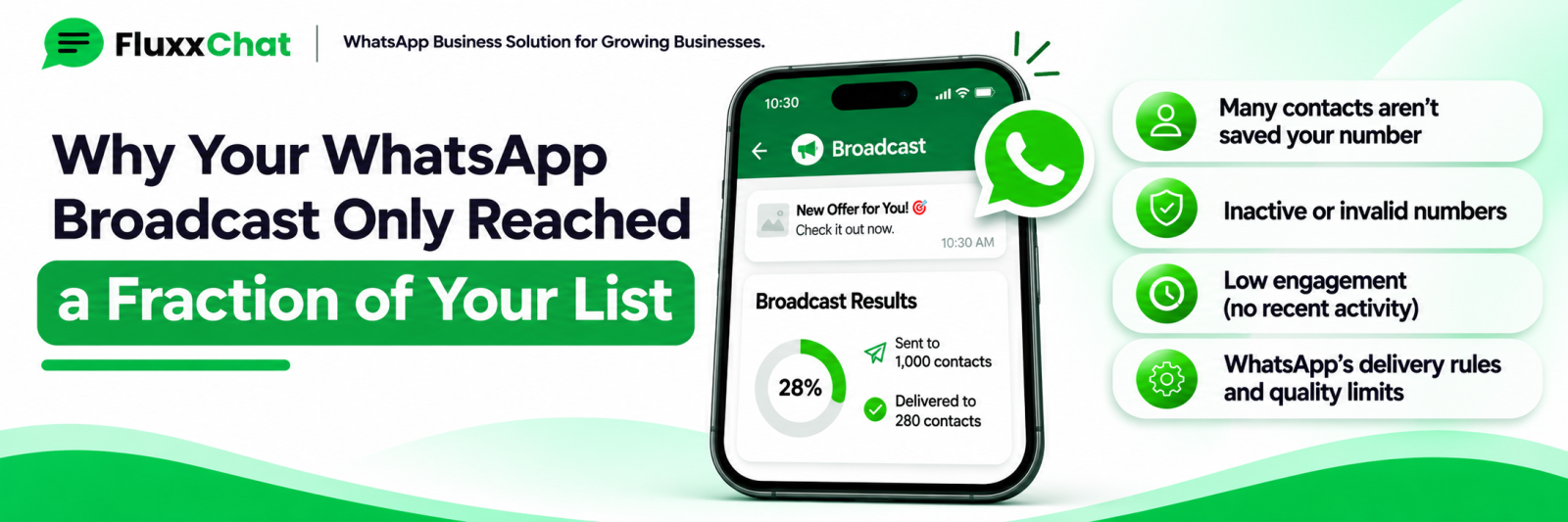
On the free WhatsApp Business app, a broadcast only reaches people who have saved your number in their phone. Everyone else gets nothing.
Your phone might hold 800 customer numbers. Perhaps 200 of them saved you back. The other 600 never see anything you send, and WhatsApp gives you no delivery report to tell you so.
Businesses then conclude that WhatsApp marketing does not work. The message simply never arrived.
2. Only one person can answer
The shop’s WhatsApp is on one phone, usually the owner’s. When that phone is busy, enquiries wait.
Messages arrive at 9pm asking whether something is in stock. They are read at 11am. By then the customer has bought elsewhere.
3. Nobody knows what was promised
A customer asks you to hold an item. You say yes. Three days later someone else sells it, because the conversation only existed on one phone and nobody else saw it.
4. The list is just numbers, not permission
Numbers collected from billing, from enquiries, from a notebook. No record of who agreed to receive messages. Sending to people who never asked produces blocks, and blocks damage your ability to reach anyone.
5. There is no reason to come back
Even when messages do arrive, they are all the same: an offer graphic with no context. No reminder of what the customer bought, no suggestion relevant to them, nothing that reads as though it was meant for them.
What retail actually uses WhatsApp for
The shops that get results use it for more than offers.
Use | What it looks like |
New stock alerts | Photos of today’s arrivals, sent the same evening |
Price on request | Customer sends a photo, you reply with price and availability |
Hold and reserve | “Keep this for me, I’ll come tomorrow” — tracked, visible to the whole team |
Order confirmation | What was bought, what it cost, when it will be ready |
Ready for collection | A message instead of the customer calling to check |
Re-order reminders | Timed to how long the product actually lasts |
Festival and season offers | Sent to the customers it is relevant to, not everyone |
After-sale check | “How is it working out?” — the message that produces reviews |
Notice how few of these are promotional. Most are service, and service is what produces repeat business.
The difference a proper setup makes
Everyone on the team can reply. The shop’s number works from any browser. Three people can answer at once, and conversations are assigned so nothing is forgotten.
Broadcasts actually deliver. No saved-contact requirement, and a report showing how many were delivered and read.
History stays with the shop. A customer messages six months later and whoever picks it up can see what they bought.
Stock photos go out the same day. Shoot in the morning, send in the evening, to the customers who care about that category.
Enquiries get answered in minutes. Automation handles the first response at any hour; a person takes over during shop hours.
Starting properly
Step 1 — Collect opt-in from today
Stop collecting numbers. Start collecting permission.
• At billing: “Shall I add you for new stock updates on WhatsApp?”
• A QR code at the counter that opens a chat
• A tick box on any form
Keep a record of who agreed and when. This is what protects your account.
Step 2 — Ask your existing customers once
You can message people individually as a normal conversation. Use that to ask, once:
Hi Suresh, we’re moving our stock updates and offers to one WhatsApp number. Reply YES if you’d like to receive them. If not, no problem — we won’t message you about this again.
Everyone who replies YES has opted in.
Step 3 — Segment the list
Not everyone wants everything. At minimum, split by:
• What they buy
• When they last bought
• Area, if you deliver
A message about one category sent to people who buy that category performs several times better than the same message sent to everyone — and produces far fewer blocks.
Step 4 — Set a rhythm
Frequency | What |
As it happens | Order confirmations, ready for collection |
Weekly | New arrivals, to the relevant segment |
Twice a month | A genuine offer |
Seasonal | Festival campaigns |
Marketing messages more than twice a month is where blocks start.
Step 5 — Answer fast
The whole thing collapses if enquiries wait. Decide who watches the inbox during shop hours and set a response target — under fifteen minutes is achievable with a shared inbox.
What not to do
Don’t | Why |
Add customers to a WhatsApp group | Everyone sees everyone’s number; people leave or mute |
Message people who never opted in | Blocks, and your account’s reach suffers |
Send the same message to the whole list every time | Blocks, and poor results |
Send offer graphics with no text | Nothing to reply to, no conversation starts |
Message daily | The fastest way to be blocked |
Ignore replies | An unanswered enquiry is worse than no message |
What to expect
This is not a quick win, and it is not supposed to be.
Month 1. Opt-in collection running at billing. Existing customers asked. List segmented.
Month 2. Regular stock updates going out. Enquiries arriving and being answered the same day. First repeat purchases traceable to a message.
Month 3 onwards. The list becomes a channel you can rely on — the cheapest way to produce a sale on a slow day.
The customers on that list already know where your shop is and have already bought from you once. Reaching them costs a fraction of finding new ones.
Frequently asked questions
How many customers do I need before this is worth it? A few hundred opted-in customers is enough to be useful. Below that, individual messaging is manageable.
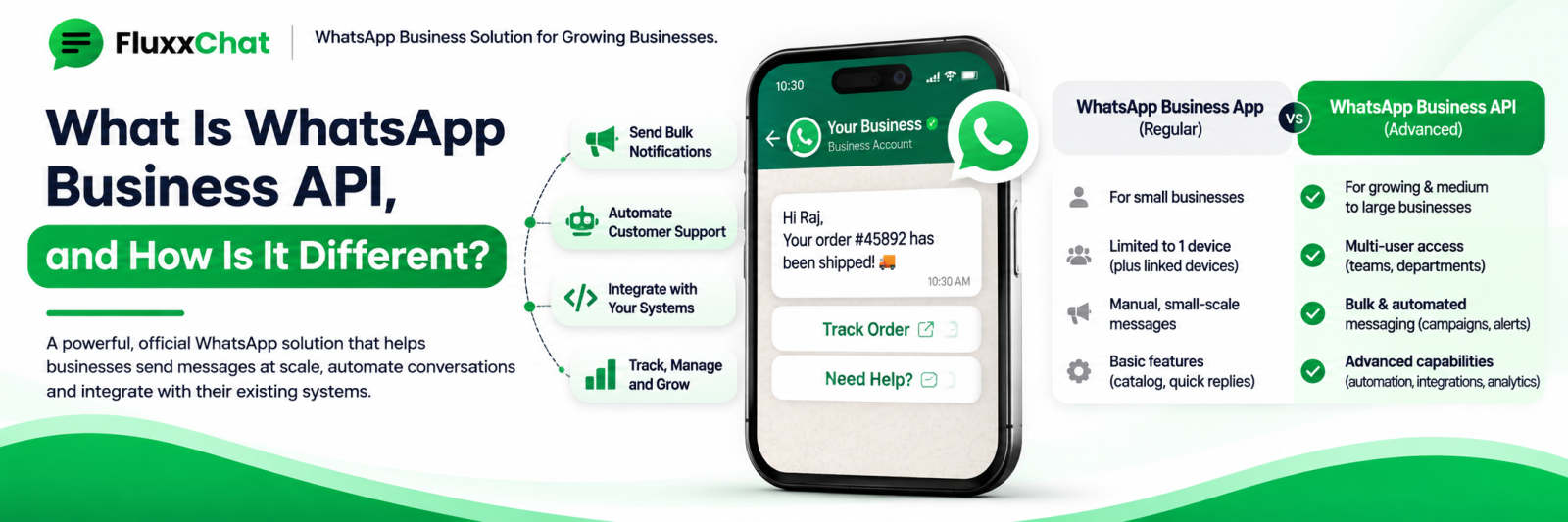
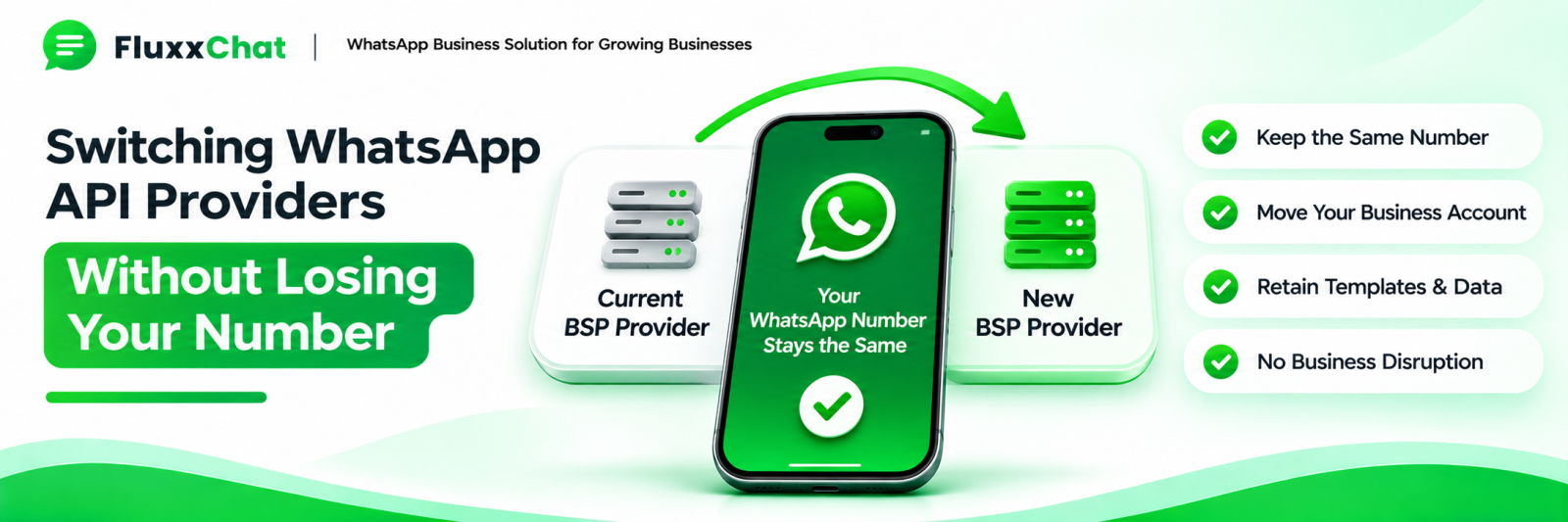
Can I use my existing shop number? Yes, through migration — but it then stops working in the WhatsApp Business app. Export anything you need first.
Will customers find it annoying? Not if the messages are relevant and infrequent. People find stock alerts for things they actually buy useful. They find daily generic offers annoying.
What if I already have a WhatsApp group? Groups work for small communities but expose every member’s number and get muted quickly. Broadcasts reach everyone individually and keep replies private.
Do I need someone full-time for this? No. Shooting stock photos takes minutes. Replying to enquiries is work your team already does, just in one place instead of on one phone.
How do I know whether messages are being read? On the API you get delivery and read reporting per broadcast. On the free app you get nothing, which is part of the problem.
Ready to automate WhatsApp and Instagram?
Start with FluxxChat: campaigns, chatbot and a shared inbox for your team.
Get started free