In this article
- First, understand what you actually own
- Before you give notice
- 1. Export everything
- 2. Confirm your access
- 3. Check your contract
- 4. Note your current state
- The move itself
- What transfers and what does not
- If the provider will not cooperate
- Questions to ask the new provider before moving
- What FluxxChat plans include
- After the move
- Frequently asked questions
You are on WhatsApp Business API with one provider and you want to move. Costs are unclear, support is slow, you are being charged a markup on Meta’s message rates, or the features you were promised never arrived.
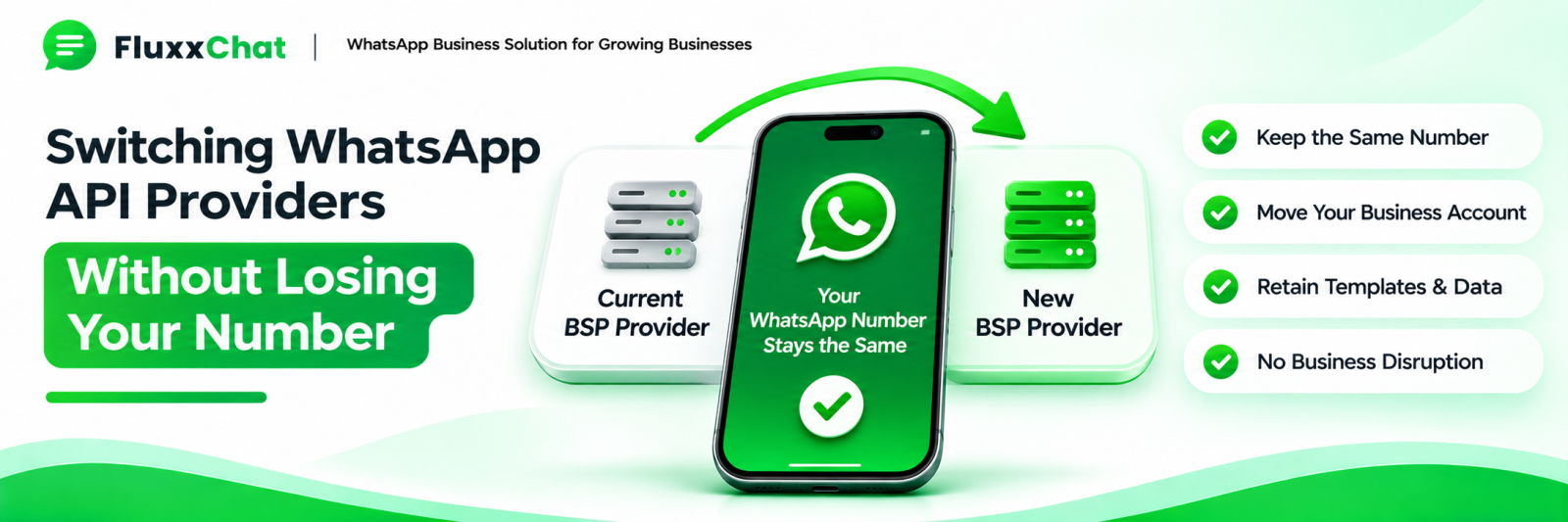
Moving is entirely possible. Your WhatsApp number is yours, not the provider’s. But the order matters, and a badly handled migration means hours or days where customers cannot reach you.
First, understand what you actually own
This is the part that determines how easy the move is.
Asset | Who should own it |
The phone number | You |
Meta Business Manager account | You |
WhatsApp Business Account (WABA) | You, with the provider as a partner |
Message templates | Live in your WABA |
Chat history | Usually on the provider’s platform |
Contacts and opt-in records | Should be exportable by you |
The critical one is the WABA. If your WhatsApp Business Account sits inside your Meta Business Manager and the provider is simply connected to it as a partner, moving is relatively simple — you disconnect one partner and connect another.
If the provider created the WABA inside their Business Manager, it is more involved and you need their cooperation.
Check which you have: log in to business.facebook.com, open Business Settings, and look under Accounts → WhatsApp Accounts. If your WABA appears there and you are an admin, you are in good shape.
Before you give notice
Do all of this first.
1. Export everything
• Contacts and phone numbers, with the opt-in record — when and how each person consented
• Chat history, if the platform allows export. Most do; some make it awkward. Ask for it in writing.
• Templates — copy the text of every approved template, with its category and language
• Flows and automations — screenshot or document them so you can rebuild
• Reports — delivery and engagement data you want to keep
Chat history is usually the thing you cannot get back later. Export it before you announce anything.
2. Confirm your access
• Are you an admin of your Meta Business Manager?
• Is the WABA in your Business Manager?
• Do you have access to the payment method on the WhatsApp account?
• Can you see your templates in Business Manager, not just in the provider’s dashboard?
If any answer is no, resolve it before moving.
3. Check your contract
Notice period, lock-in, outstanding dues, and anything about data on exit.
4. Note your current state
Quality rating, messaging tier, and the list of approved templates. You want to confirm these are unchanged after the move.
The move itself
The usual sequence:
1. Set up your account with the new provider, without connecting the number yet
2. Agree a cut-over time — a quiet period, not a Monday morning or a festival week
3. Disconnect the number from the old provider in Meta Business Manager, or ask them to release it
4. Connect it to the new provider. With FluxxChat this goes through embedded signup, which connects your number to the official WhatsApp Cloud API in a few steps
5. Verify — send a test message in and out
6. Check your templates are visible and approved
7. Rebuild flows and automations
8. Add your team and set up assignment
9. Import contacts with their opt-in records
10. Fund the wallet
Downtime: typically minutes to a few hours if the WABA is in your Business Manager and both sides are ready. Plan for a quiet window regardless.
What transfers and what does not
| Transfers? |
Your phone number | Yes |
Your display name | Yes |
Your approved templates | Yes — they live in the WABA |
Your quality rating | Yes — it is attached to the number |
Your messaging tier | Yes |
Green tick, if you have it | Yes |
Chat history | No — export it first |
Flows and automations | No — rebuild them |
Contact lists and tags | No — export and import |
Saved replies | No — rebuild |
The pattern: anything held by Meta travels with the number. Anything built inside the provider’s platform does not.
This is why the export step is not optional.
If the provider will not cooperate
It happens. Options, in order:
1. Ask in writing, citing your contract and giving a date. Most providers comply once it is formal.
2. Act through Meta Business Manager. If the WABA is in your Business Manager, you can usually remove a partner’s access yourself without needing them.
3. Escalate to Meta if the WABA sits in their Business Manager and they will not release it. Meta has a process for disputed account access.
4. Last resort: a new number. You keep nothing — quality rating, tier, templates all start again — and you have to tell every customer. Avoid this unless there is no alternative.
Questions to ask the new provider before moving
Question | Why it matters |
Will the WABA be in my Business Manager? | Determines whether you can leave easily next time |
Do you mark up Meta’s message rates? | Many do. You should pay Meta’s rate, visibly. |
Can I see per-message costs? | Without this you cannot control spend |
Can I export my data at any time? | Do not get locked in again |
What is included in the plan fee? | Features, numbers, team members |
What happens if I cancel? | Notice period, data export |
Who helps with the migration? | Someone should, and it should not cost extra |
On the markup question specifically: Meta’s message charges are published. A provider adding a margin on top, without showing you, is a common and avoidable cost. FluxxChat runs on a prepaid wallet with every message logged at cost, recharged through Razorpay, with failed messages refunded automatically and GST invoices in INR.
What FluxxChat plans include
GST included:
Plan | Monthly | Yearly | Numbers | Team |
Starter | ₹999 | ₹9,990 | 1 | 3 |
Growth | ₹1,999 | ₹19,990 | 3 | 10 |
Enterprise | ₹2,999 | ₹29,990 | Unlimited | Unlimited |
All plans include WhatsApp Business API, Instagram DM automation, chatbot flows and FAQ bot, broadcast campaigns and templates, drip sequences, product catalog with Meta sync, click-to-WhatsApp ad leads, shared team inbox and wallet billing. Enterprise adds full API and webhook access, a dedicated manager and SLA support.
There is also a one-time plan from ₹14,999 with a yearly AMC.
After the move
Week 1. Watch message delivery closely. Confirm templates are sending. Check the quality rating is unchanged. Test every automated flow end to end.
Week 2. Confirm the team is comfortable with the new inbox. Review response times — they often dip during a transition.
Month 1. Compare message costs with what you were paying before. This is usually where the saving shows up.
Tell customers nothing. From their side, nothing has changed. Same number, same chat. A migration done properly is invisible.
Frequently asked questions
Will my customers notice? No, if it is done properly. Same number, same chat thread, same history on their phone.
Do I lose my approved templates? No. Templates belong to your WhatsApp Business Account, which stays with you.
Does my quality rating reset? No. It is attached to the number.
How long does it take? Usually a few hours end to end if your WABA is in your Business Manager. Rebuilding flows and importing contacts takes a bit longer and can be done after the number is live.
Can I keep the old provider running during the transition? No. A number can only be connected to one provider at a time, which is why cut-over timing matters.
What if I am mid-contract? Check the notice period and any lock-in. Some providers allow early exit with notice; some do not. Export your data regardless.
Can you help with the migration? Yes. Send us your current setup — provider, number, whether the WABA is in your Business Manager — and we will tell you what the move involves before you commit to anything.
Ready to automate WhatsApp and Instagram?
Start with FluxxChat: campaigns, chatbot and a shared inbox for your team.
Get started free