In this article
You have 2,000 customer numbers in your phone. You send a broadcast with a genuinely good offer. Almost nobody replies.
The natural conclusion is that the offer was weak, or that WhatsApp marketing does not work.
Usually neither is true. The message simply did not arrive.
The rule nobody tells you
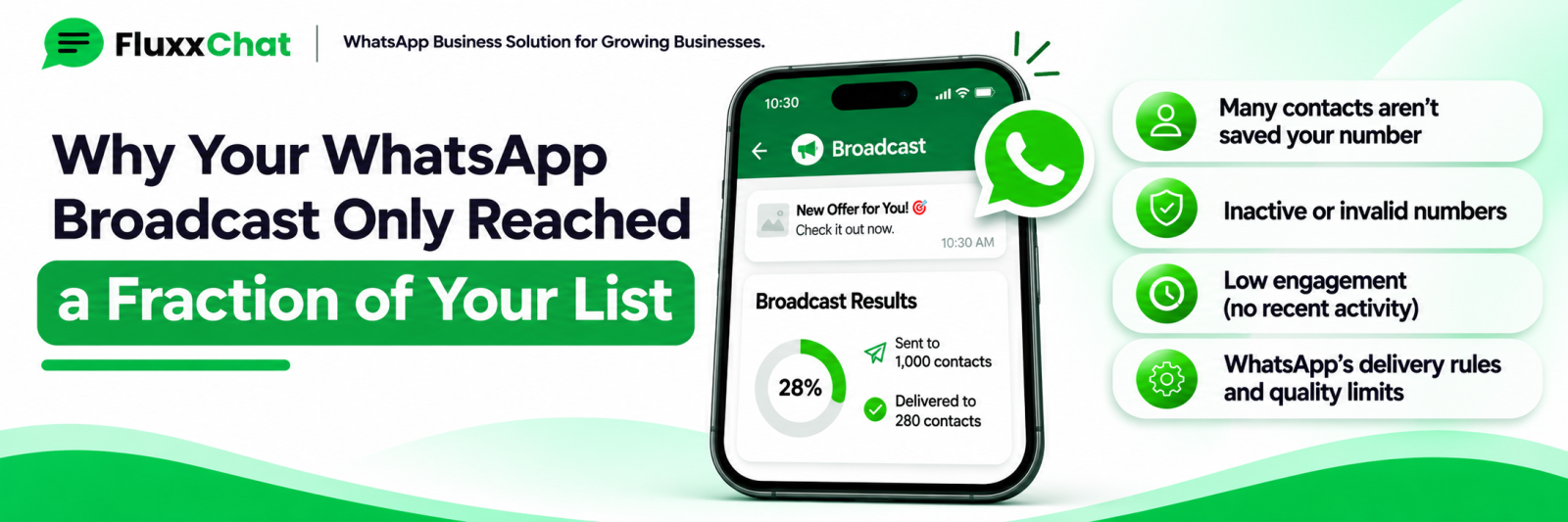
On the free WhatsApp Business app, a broadcast only reaches people who have saved your number in their phone.
Not people who have messaged you. Not people whose number you have. Only people who added you to their contacts.
Everyone else receives nothing at all.
WhatsApp does not warn you about this before you send. It does not tell you afterwards either. There is no delivery report on a Business app broadcast — you press send, it says sent, and that is all you ever learn.
Why this exists
It is an anti-spam measure, and a reasonable one. Without it, anyone who obtained your number could broadcast to you.
By requiring that the recipient has saved your number, WhatsApp is checking for a relationship. You cannot broadcast to strangers.
The problem is not the rule. The problem is that most businesses do not know it exists, and so they judge the channel on results it was never going to produce.
How to check your actual reach
There is no reach report, so you have to estimate it. Three ways:
1. Ask a sample. Take twenty customers you deal with regularly. Message them individually and ask whether your business number is saved in their phone. Scale the proportion to your full list.
Most businesses find the figure is somewhere between one in ten and one in four.
2. Compare reply volumes. Send the same message as a broadcast, then individually to fifty people from the same list. Compare the response rates. The gap is your reach problem.
3. Count the realistic cases. Who actually saves a business number? People who have bought more than once, people who ordered something they are waiting for, people you have dealt with recently. One-time customers from two years ago almost never do.
What this means for your past campaigns
This is worth sitting with for a moment.
If you have run WhatsApp campaigns from the Business app and concluded they do not work, you have judged the channel on a small, unrepresentative fraction of your list — the most engaged fraction at that.
Every one of these conclusions may be wrong:
• “Our customers do not respond to WhatsApp offers”
• “WhatsApp marketing is finished, everyone ignores it”
• “Our list is dead”
• “The offer was not strong enough”
Before re-writing the offer, check whether the message arrived.
What else the Business app does not give you
The saved-contact rule is the biggest limitation, but it is not the only one.
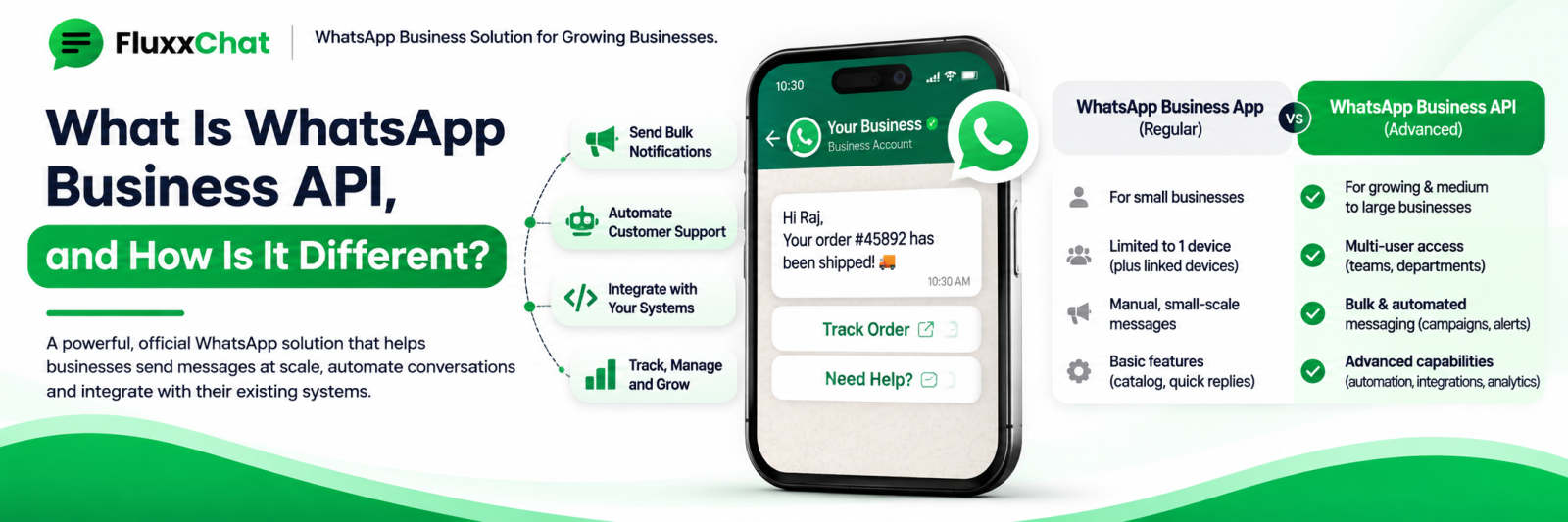
| WhatsApp Business App | WhatsApp Business API |
Broadcast reaches | Only contacts who saved your number | Anyone with valid opt-in |
Delivery report | None | Delivered, read, failed — per recipient |
List size per broadcast | Limited | Governed by your messaging tier |
Who can send | One person, one phone | Your whole team, from a browser |
Scheduling | No | Yes |
Automation | Away message and quick replies | Full flows |
History if staff leave | On their phone | Stays with the business |
How the API removes the limitation
On WhatsApp Business API, there is no saved-contact requirement. A broadcast reaches everyone on the list, provided two conditions are met:
1. Valid opt-in. The person must have agreed to receive messages from you. This is not a formality — messaging people who did not opt in produces blocks, and blocks damage your account’s ability to reach anyone.
2. An approved template. Messages sent outside the 24-hour customer service window must use a message format that Meta has pre-approved.
In exchange you get what the Business app never provides: delivery and read reporting. You can see how many messages were delivered, how many were read, how many failed, and who replied.
The difference is not only reach. It is knowing.
Opt-in becomes the real asset
Once the saved-contact rule is gone, the thing that limits your reach is how many people have given you permission.
This changes where the effort goes. Collecting numbers stops being the job; collecting consent becomes the job.
Where valid opt-in comes from
• A tick box at checkout — “Send me order updates and offers on WhatsApp”
• A form on your website where the number was given for this purpose
• Anyone who messages you first
• Click-to-WhatsApp ads — the tap is the opt-in
• A QR code at your counter that opens a chat
• Written consent you can produce if asked
Where it does not come from
• A purchased list
• Numbers scraped from a directory
• Numbers collected for something unrelated
• Someone else’s WhatsApp group
Keep a record of when and how each person opted in. If your account is ever reviewed, that record is what matters.
Building reach from here
If you are starting with a list of numbers and no opt-in, you cannot simply upload and send. Build it properly.
Step 1 — Add opt-in to every point of contact. Checkout, website form, enquiry form, physical counter. From today, every new customer arrives with consent.
Step 2 — Ask your existing customers. You can message people individually from the Business app as a normal conversation. Use that to ask. A single message, once:
Hi Suresh, we are moving our offers and order updates to a single WhatsApp number. Reply YES if you would like to receive them. If not, no problem — we will not message you again about this.
Those who reply YES have opted in, and their reply opens a conversation window.
Step 3 — Run click-to-WhatsApp ads. Every person who taps has opted in by doing so, and they arrive already interested.
Step 4 — Make saving your number worth it. Even on the API, people who save you engage more. Ask once, give a reason — order updates, early access to new stock.
Step 5 — Keep the list clean. Numbers that never respond cost money on the API and drag your engagement signals down. Review every few months.
A realistic expectation
Moving to the API does not multiply your sales overnight. What it changes is that you start seeing the truth.
Your first API broadcast will deliver to far more people than any Business app broadcast ever did — and the delivery report will show you exactly how many. From that point you are optimising a real number rather than guessing at an invisible one.
Some businesses discover their message was fine all along. Some discover it was not, and now have the data to fix it. Both are better than not knowing.
Frequently asked questions
Why does WhatsApp not tell me the broadcast did not deliver? The Business app provides no delivery reporting for broadcasts. It is a consumer-grade app with business features added, not a messaging platform.
Can I just ask customers to save my number? You can, and it helps. In practice only a minority will, and most who intend to will forget.
Does a group solve this? No. Groups reach everyone in them, but every member sees every other member’s number, anyone can reply to all, and people leave or mute. Groups suit communities, not customer announcements.
Is there a limit on the API too? Yes — a messaging tier limits how many unique customers you can start conversations with in 24 hours. New numbers start low and the tier increases as you send consistently with a good quality rating. It is a different kind of limit, and a visible one.
What happens if I message people who did not opt in? They block or report you. That lowers your quality rating, which reduces your messaging limits and can get your number restricted. The damage is to your ability to reach the customers who do want to hear from you.
How do I know if my number is on the Business app or the API? If you use WhatsApp through an app on a phone, it is the Business app. The API is used through software in a browser.
Can I keep my current number when moving to the API? Yes, through migration — but once migrated it no longer works in the Business app. Export anything you need first.
Ready to automate WhatsApp and Instagram?
Start with FluxxChat: campaigns, chatbot and a shared inbox for your team.
Get started free