In this article
- There are two costs, always
- Cost 1: The platform fee
- Cost 2: Meta’s message charges
- What is free
- What is charged
- How the wallet works
- How to keep message costs low
- 1. Use the free window properly
- 2. Categorise templates correctly
- 3. Send fewer, better marketing messages
- 4. Give people a reason to reply
- 5. Clean your list
- 6. Watch the frequency
- A realistic monthly picture
- Where the money is actually wasted
- Frequently asked questions
The most common confusion about WhatsApp Business API is the bill. People expect one number and find two, and they are never quite sure what the second one is for.
Here is the whole thing, plainly.
There are two costs, always
Cost 1: The platform fee. What you pay for the software — the inbox, the automation, the broadcasts, the analytics. A fixed monthly or yearly amount.
Cost 2: Meta’s message charges. What Meta charges for certain messages you send. Variable, depending on how many messages you send and what kind they are.
Nobody can give you one combined figure in advance, because the second depends entirely on your usage. Any provider quoting a single all-inclusive number is either capping your messages or building in a margin on them.
Cost 1: The platform fee
FluxxChat plans, GST included:
Plan | Monthly | Yearly | WhatsApp numbers | Team members |
Starter | ₹999 | ₹9,990 | 1 | 3 |
Growth | ₹1,999 | ₹19,990 | 3 | 10 |
Enterprise | ₹2,999 | ₹29,990 | Unlimited | Unlimited |
The yearly price is ten months’ cost for twelve months. Monthly plans can be cancelled any time.
Included in all three plans: WhatsApp Business API, Instagram DM automation, chatbot flows and FAQ bot, broadcast campaigns and templates, drip sequences, product catalog with Meta sync, click-to-WhatsApp ad leads, shared team inbox, wallet billing.
Differences: Starter has basic analytics and email support. Growth adds advanced analytics and priority support. Enterprise adds full API and webhook access, a dedicated manager and SLA support.
There is also a one-time plan starting at ₹14,999 with a yearly AMC, for businesses that prefer a single upfront payment instead of a subscription. Ask us for the AMC figure for your setup.
Cost 2: Meta’s message charges
This is the part that needs explaining.
What is free
Any message you send within 24 hours of the customer’s last message is free.
This is the customer service window. When a customer messages you, a 24-hour window opens. Everything you send inside it — answers, follow-up questions, images, documents — costs nothing.
For most businesses, the large majority of messages fall here. If your WhatsApp is mainly used for answering enquiries and supporting customers, your message costs will be small.
What is charged
Messages you send outside that window. To send one, you must use a template that Meta has pre-approved, and you are charged for it.
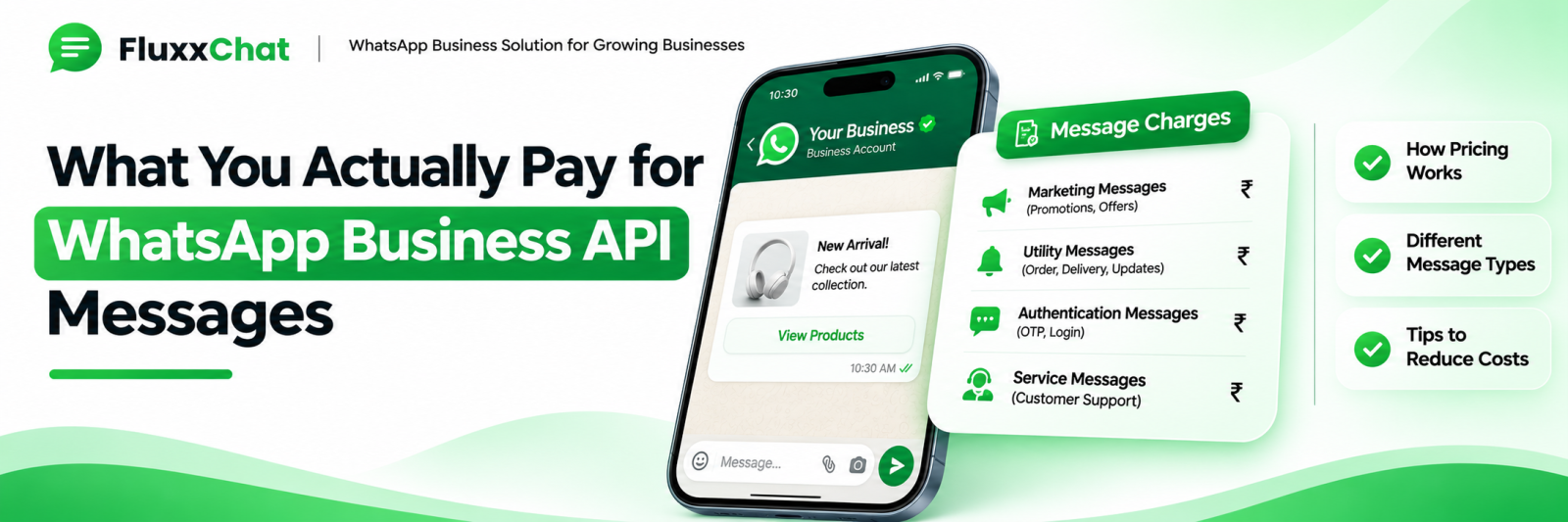
Templates fall into categories, and the category determines the price:
Category | What it is for | Relative cost |
Marketing | Offers, promotions, announcements, re-engagement | Highest |
Utility | Order confirmations, delivery updates, appointment reminders, payment receipts | Lower |
Authentication | One-time passwords and login codes | Lowest |
Rates vary by country and change from time to time, so we do not publish a fixed per-message figure here — check the current rate card for India before planning a large campaign.
The practical rule: marketing messages are the expensive ones. Utility and authentication messages are much cheaper. Replies inside the window are free.
How the wallet works
Meta’s charges are paid from a prepaid wallet in your FluxxChat account.
• Recharge online through Razorpay
• Every message sent is logged with its cost, so you can see exactly where the money went
• Failed messages are automatically refunded to the wallet
• Billing is in INR, with GST invoices
The per-message logging matters. It means you can look at a broadcast and see what it cost and what it produced, rather than discovering a large bill at month end with no breakdown.
How to keep message costs low
1. Use the free window properly
If a customer messages you at 10am, you have until 10am tomorrow to say everything you need to say, for free. Plan conversations rather than letting them drift past the window and then paying for a template.
2. Categorise templates correctly
An order confirmation is a utility message. Do not submit it as marketing. The category affects both the price and the approval likelihood.
But do not mis-categorise deliberately — putting a promotional message in the utility category gets it rejected, and repeated attempts affect your account standing.
3. Send fewer, better marketing messages
A broadcast to 5,000 people who have not heard from you in six months is expensive and produces blocks. A broadcast to 800 people who bought from you recently costs less and performs better.
Segment. Message the people likely to respond.
4. Give people a reason to reply
Once a customer replies to your template message, the 24-hour window opens and the rest of the conversation is free. A template ending with a question or a clear instruction — “reply YES to confirm” — converts a paid message into a free conversation.
5. Clean your list
Numbers that never respond cost money every time. Review engagement and stop messaging people who have never replied to anything.
6. Watch the frequency
Over-messaging drives blocks, blocks lower your quality rating, and a low quality rating reduces your messaging limits. It costs you twice.
A realistic monthly picture
Rather than inventing figures, here is how to estimate your own:
1. Count your monthly enquiry conversations. These are mostly free — customer messages first, you reply in the window.
2. Count your monthly utility messages. Order confirmations, reminders, delivery updates, one per transaction.
3. Count your planned marketing messages. Broadcast size × number of campaigns per month.
4. Multiply 2 and 3 by the current Meta rates for India in each category.
5. Add your platform fee.
Most businesses find that step 3 is the whole variable cost, and that steps 1 and 2 are either free or negligible.
Where the money is actually wasted
Waste | Fix |
Broadcasting to the entire list every time | Segment by recency and behaviour |
Letting the 24-hour window lapse, then paying to restart | Finish conversations inside the window |
Sending marketing templates that nobody acts on | Test small, then scale what works |
Keeping dead numbers on the list | Review and remove non-responders |
Marketing messages that could be utility | Use the correct category |
Paying a provider who marks up Meta’s charges | Use a platform where the wallet shows the actual cost |
Frequently asked questions
Do I pay when a customer messages me? No. Messages customers send you are free, and your replies within 24 hours are free.
What if I send ten messages in one conversation? Within the 24-hour window, all free. Outside it, the first template message is charged and then the window reopens when they reply.
Why do rates change? Meta reviews its pricing periodically and rates differ by country. Check the current India rate card before planning a large campaign.
Can I set a spending limit? The prepaid wallet is the limit. It can only spend what you have recharged, so there is no risk of an unexpected large bill.
What happens if the wallet runs out? Template messages stop sending until you recharge. Incoming messages and free-window replies continue to work.
Is GST included? The FluxxChat plan prices shown include GST, and invoices are issued with GST. Meta’s message charges are billed separately through the wallet.
Which plan should I start on? Starter, if one number and three people cover you. Move up when you need more numbers, more team members or API access. Monthly plans can be cancelled any time, so starting small costs nothing in flexibility.
Ready to automate WhatsApp and Instagram?
Start with FluxxChat: campaigns, chatbot and a shared inbox for your team.
Get started free