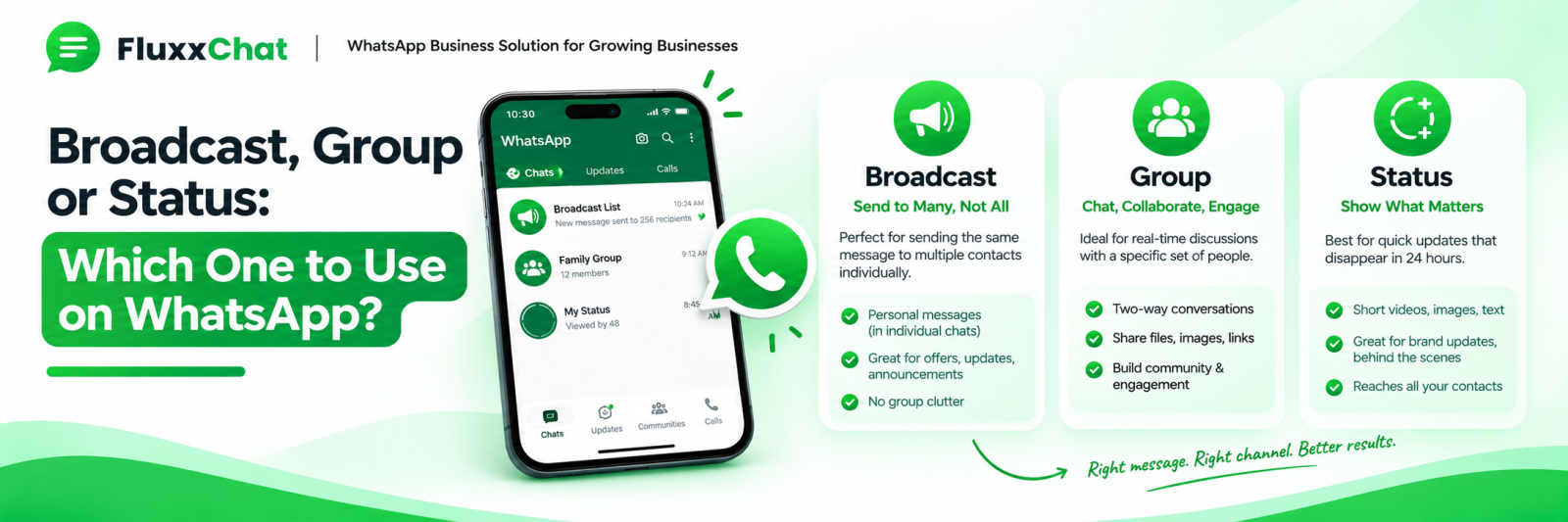
In this article
A business wanting to tell 500 customers something has three options on WhatsApp. They work very differently, and most businesses pick the wrong one.
The three, compared
| Broadcast | Group | Status |
Who sees it | Each person individually | Everyone, together | Anyone with your number saved |
Replies | Private, to you only | Public, to everyone | Private |
Members see each other | No | Yes — including numbers | No |
Feels like | A personal message | A noticy chat | A story |
Reach on Business app | Only contacts who saved you | Everyone in the group | Only contacts who saved you |
Reach on Business API | Anyone with valid opt-in | — | — |
Best for | Offers, updates, announcements | Communities, batches, teams | Soft visibility |
Broadcast — the default for business
A broadcast sends the same message to many people, but each person receives it as a private one-to-one message. They do not know anyone else received it. They reply only to you.
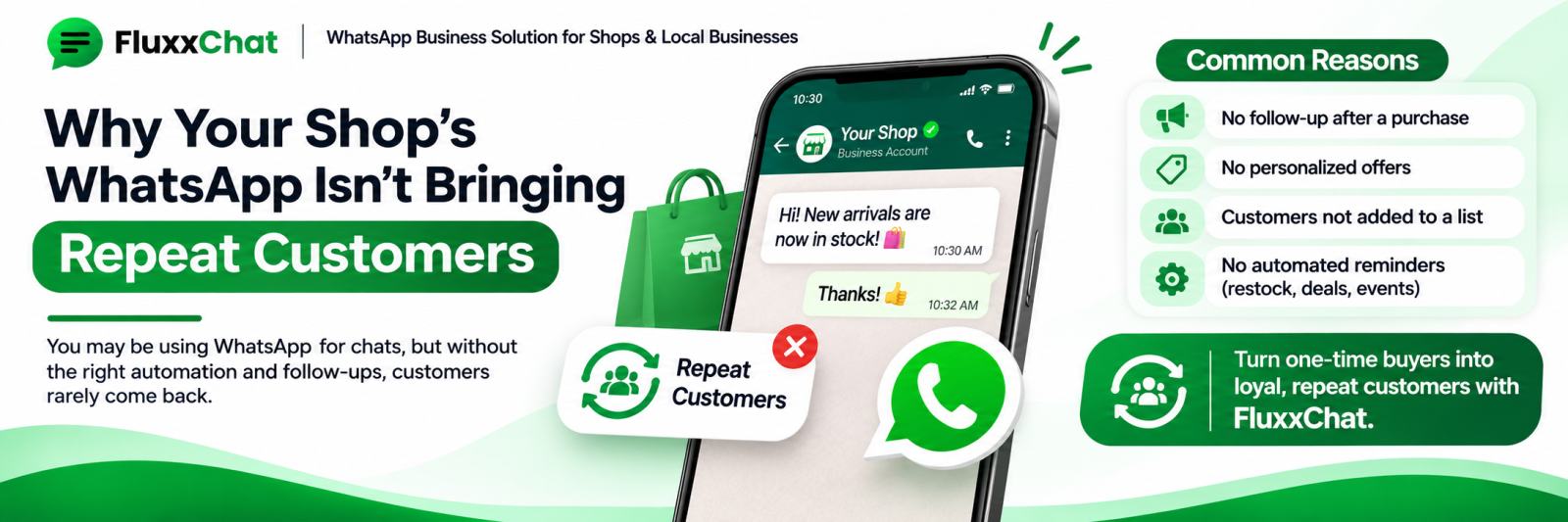
Use it for: offers, new arrivals, service reminders, appointment reminders, order updates, festival greetings, anything you would otherwise message people individually.
The limitation that catches everyone
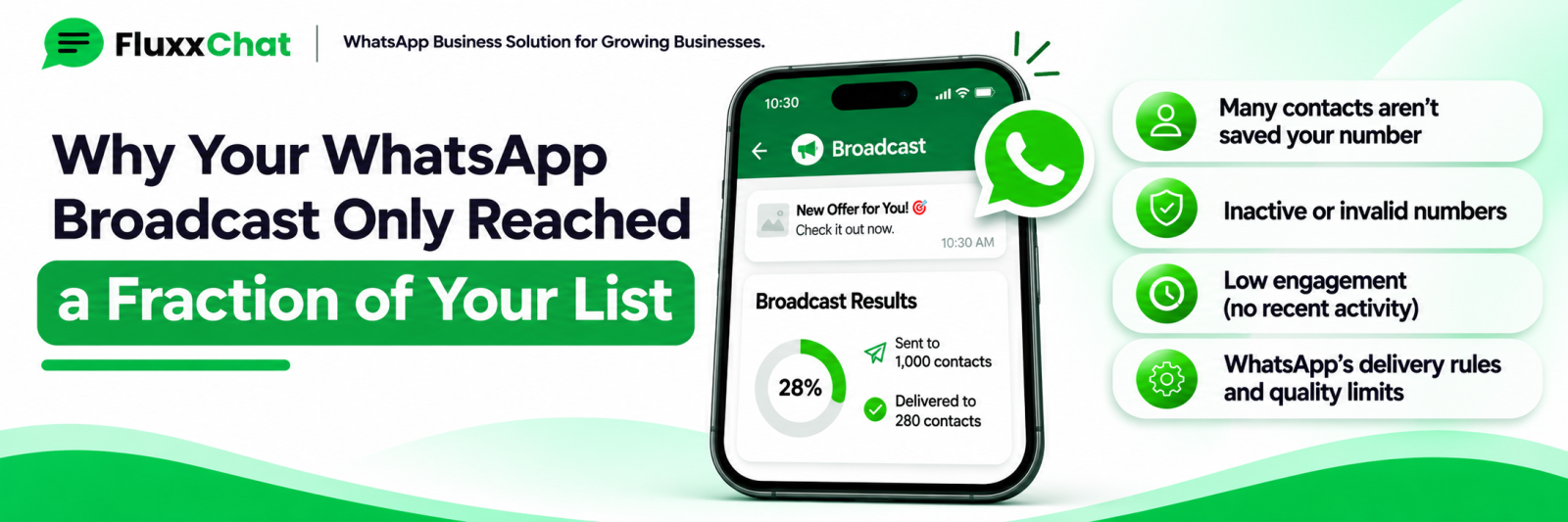
On the free WhatsApp Business app, a broadcast only reaches people who have saved your number in their phone.
This is the single most misunderstood thing about WhatsApp marketing. A shop with 2,000 customer numbers sends a broadcast, and it reaches the 250 who happened to save them. The rest never see it, and WhatsApp gives no indication that this happened.
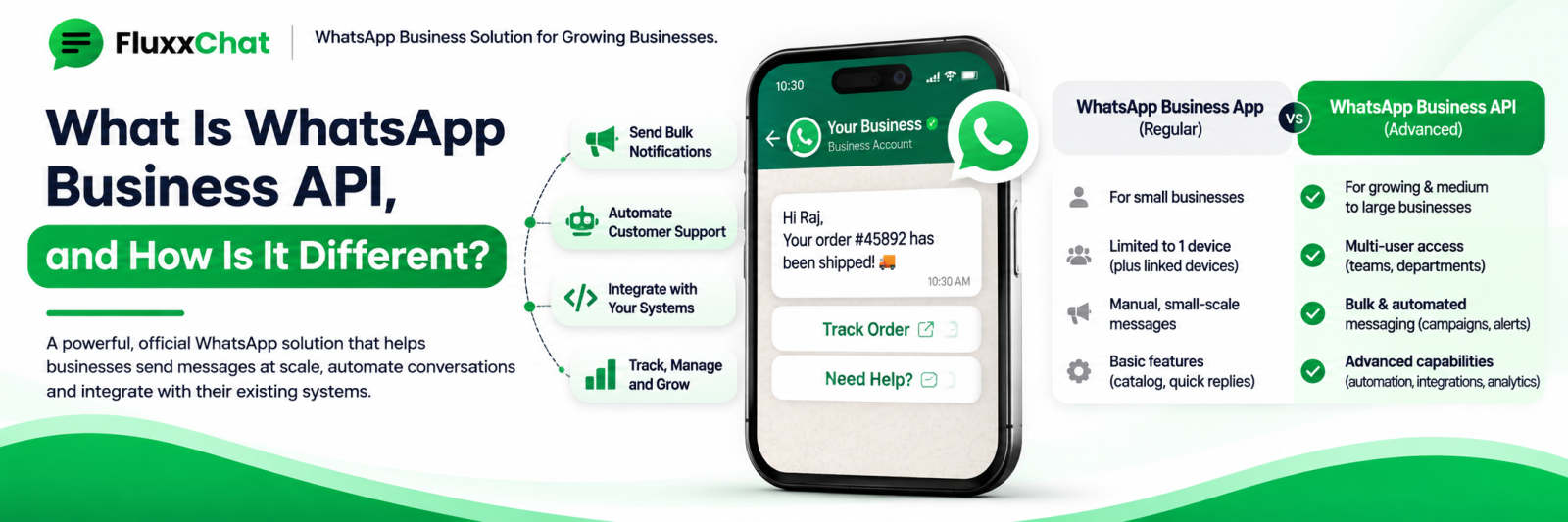
On the Business API there is no saved-contact requirement. You can reach anyone who has given valid opt-in, using an approved template. This is the main commercial reason businesses move to the API.
Doing broadcasts well
Segment. Sending everything to everyone is why people block businesses. A customer who bought a saree does not need a message about industrial fittings.
Useful segments: recent buyers, lapsed customers, people who enquired but did not buy, by product category, by location, by language.
Frequency. For most businesses, two to four marketing broadcasts a month is the ceiling. Utility messages — order updates, reminders — can be more frequent because they are expected.
Timing. Mid-morning and early evening generally work. Avoid very early, very late, and the middle of the working day for B2B.
Personalise. A name makes it read as a message rather than a circular.
Always include an opt-out. “Reply STOP to unsubscribe.” It reduces blocks, and blocks are what damage your account.
Give them something to reply to. A reply opens the 24-hour window, making the rest of the conversation free.
Group — rarely right for a business
Groups put everyone in one chat where they all see each other.
When a group genuinely works
• A class or batch of students
• A project team with a client
• A society, association or club
• A small cohort doing something together
When it does not
• Customer announcements
• Offers and promotions
• Anything where the recipients are strangers to each other
The problems
Everyone sees everyone’s number. Your customer list is now visible to your customers, which includes your competitors if any of them joined.
One reply reaches everyone. A complaint, an argument, or a competitor’s comment is seen by all 200 members.
Nobody wants to be added. Being added to a business group without being asked is one of the most reliable ways to irritate people.
It gets noisy, then muted, then left. Within a month most members have muted it, which means your messages are not seen anyway.
You cannot message someone who left. In a broadcast, they are still on your list.
If you need to announce something to many customers, broadcast. Groups are for communities, not audiences.
Status — low pressure, low reach
WhatsApp Status posts disappear after 24 hours and are seen by contacts who have your number saved.
Good for: new stock, work in progress, behind the scenes, today’s special, a quick announcement.
Limitations: only reaches people who saved your number, disappears quickly, you cannot tell how many people acted on it.
How to use it well: treat it like Instagram Stories. Post regularly, show real things, keep it visual. It costs nothing and it keeps you visible with people who already know you.
It does not replace broadcast. Status is passive — people see it if they happen to open Status. A broadcast arrives in their chat list.
Picking the right one
What you want to do | Use |
Announce an offer to 800 customers | Broadcast |
Send order updates | Broadcast (utility template) |
Coordinate a student batch | Group |
Show today’s fresh stock | Status |
Remind customers about a service due | Broadcast |
Run a project with a client team | Group |
Share behind-the-scenes content | Status |
Re-engage customers who stopped buying | Broadcast |
Opt-in — the part that is not optional
On the API, you can only message people who have opted in. This is not a formality; it determines whether your account stays healthy.
Valid opt-in looks like
• A tick box at checkout: “Send me updates on WhatsApp”
• A form on your website where they entered their number for this purpose
• A message they sent you first
• A click-to-WhatsApp ad they tapped
• A written or digital consent you can produce if asked
Not valid opt-in
• A number from a purchased list
• A number scraped from a directory
• A number they gave you for something unrelated
• A number from someone else’s group
Messaging people who did not opt in produces blocks, blocks lower your quality rating, and a low quality rating restricts how many people you can message at all. It damages the channel for your genuine customers.
What good looks like
A clothing store with 3,000 opted-in customers:
Frequency | Content | Type |
Daily | New stock, store activity | Status |
Twice a month | New arrivals, to a segment | Broadcast, marketing |
As needed | Order and delivery updates | Broadcast, utility |
Seasonally | Aadi and Deepavali offers | Broadcast, marketing |
Never | Adding customers to a group | — |
Frequently asked questions
How many people can a broadcast reach? On the Business app, only contacts who saved your number, with a list size limit. On the API, as many as your messaging tier and wallet allow, with valid opt-in.
Why did my broadcast only reach a few people? Almost certainly the saved-contact rule on the Business app. This is the main reason to move to the API.
Can I add customers to a group without asking? Technically sometimes, depending on their privacy settings. You should not. It is the fastest route to being blocked and reported.
Do broadcasts cost money? On the API, yes — each template message sent outside the 24-hour window is charged. Replies inside the window are free.
How do I build an opt-in list? Collect at checkout, on your website, through click-to-WhatsApp ads, with a QR code at your counter, and from everyone who messages you first.
What if someone replies STOP? Remove them immediately and confirm. Continuing to message after an opt-out drives blocks and is bad practice.
Ready to automate WhatsApp and Instagram?
Start with FluxxChat: campaigns, chatbot and a shared inbox for your team.
Get started free