In this article
- What each one actually is
- Side by side
- The six signs you have outgrown the app
- What changes when you move
- You get a shared inbox
- Messaging becomes rule-based
- Automation becomes real
- Instagram comes into the same place
- You can see the numbers
- What it costs
- When you should not move
- What moving involves
- Frequently asked questions
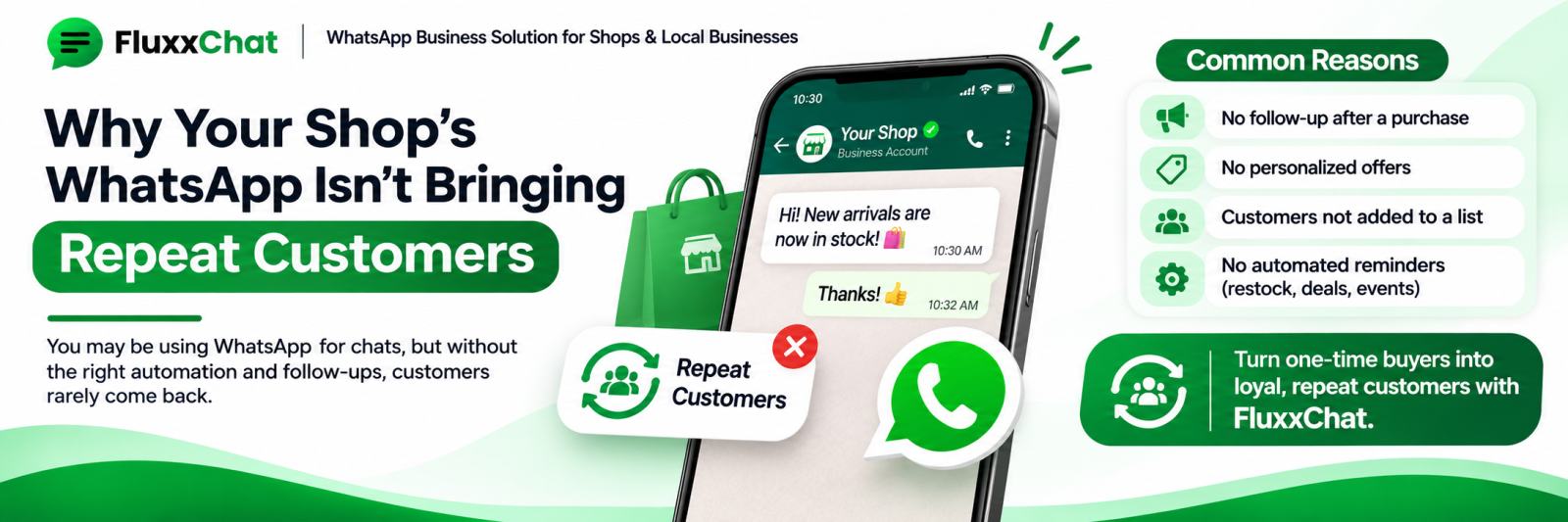
Almost every small business in India starts with the free WhatsApp Business app. It is quick, it is free, and for a one-person operation it works perfectly well.
Then the business grows. Two people need to answer the same number. Broadcasts stop reaching everyone. Messages get missed in the evening. Somebody has to carry the phone home.
At that point the app is no longer the right tool, and the question becomes when — and whether — to move to the Business API.
What each one actually is
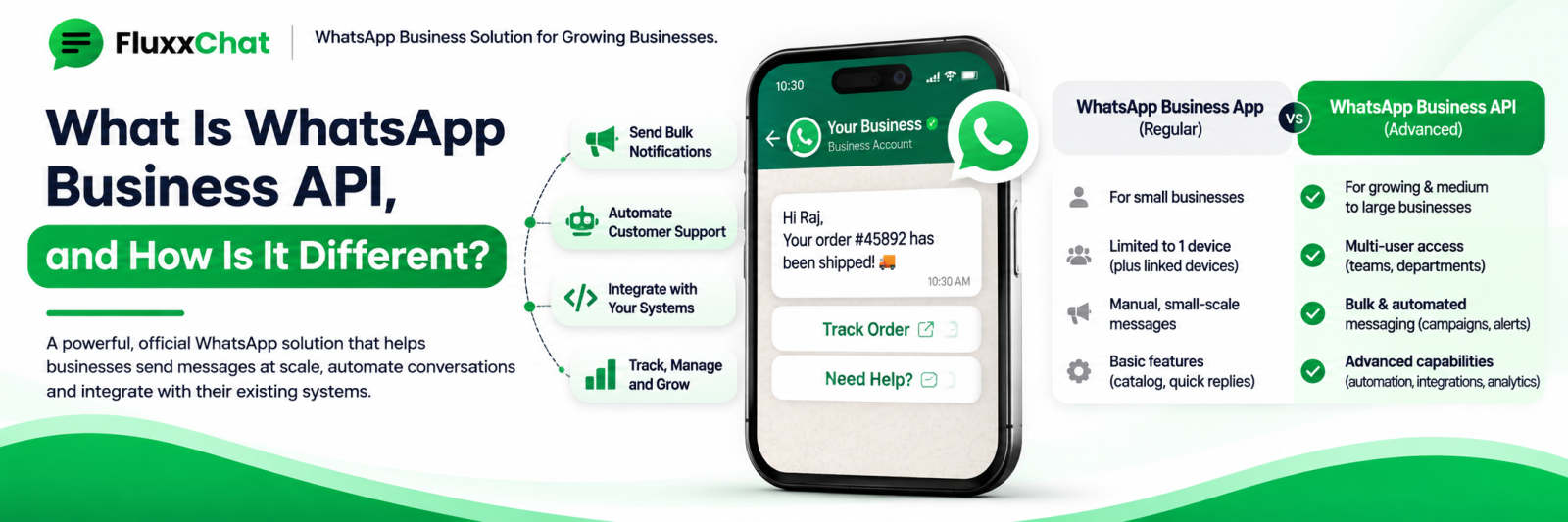
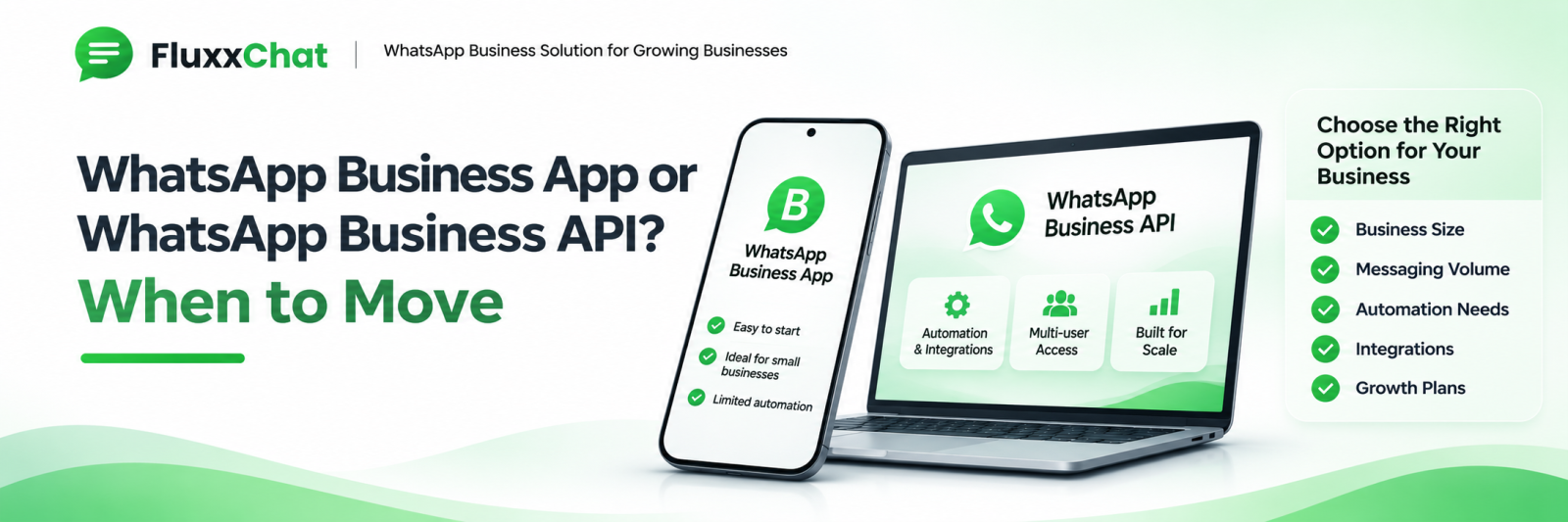
WhatsApp Business App is an app you install on a phone. One number, one phone, one person at a time. Free.
WhatsApp Business API is not an app at all. It is an interface that connects your WhatsApp number to software — a platform like FluxxChat — which then provides the inbox, the automation and the reporting. Multiple people can work the same number from a browser.
Side by side
| Business App | Business API |
Cost | Free | Platform fee + Meta message charges |
Devices | One phone, limited linked devices | Any number of browsers |
Team members | Effectively one person | Many, with assignment and roles |
Broadcast limit | Only to contacts who have saved your number | No saved-contact requirement; needs opt-in and approved templates |
Automation | Away message, greeting, quick replies | Full chatbot flows, keyword triggers, drip sequences |
Instagram DMs | No | Yes, in the same inbox |
CRM integration | No | Yes |
Analytics | None | Delivery, read, response times, agent performance |
Green tick possible | No | Yes, subject to Meta approval |
Chat history if staff leaves | On their phone | On the platform |
The six signs you have outgrown the app
1. More than one person needs to reply. This is the most common trigger. In the app, two people cannot work the same number properly. Someone ends up answering from their own phone, and the conversation history splits.
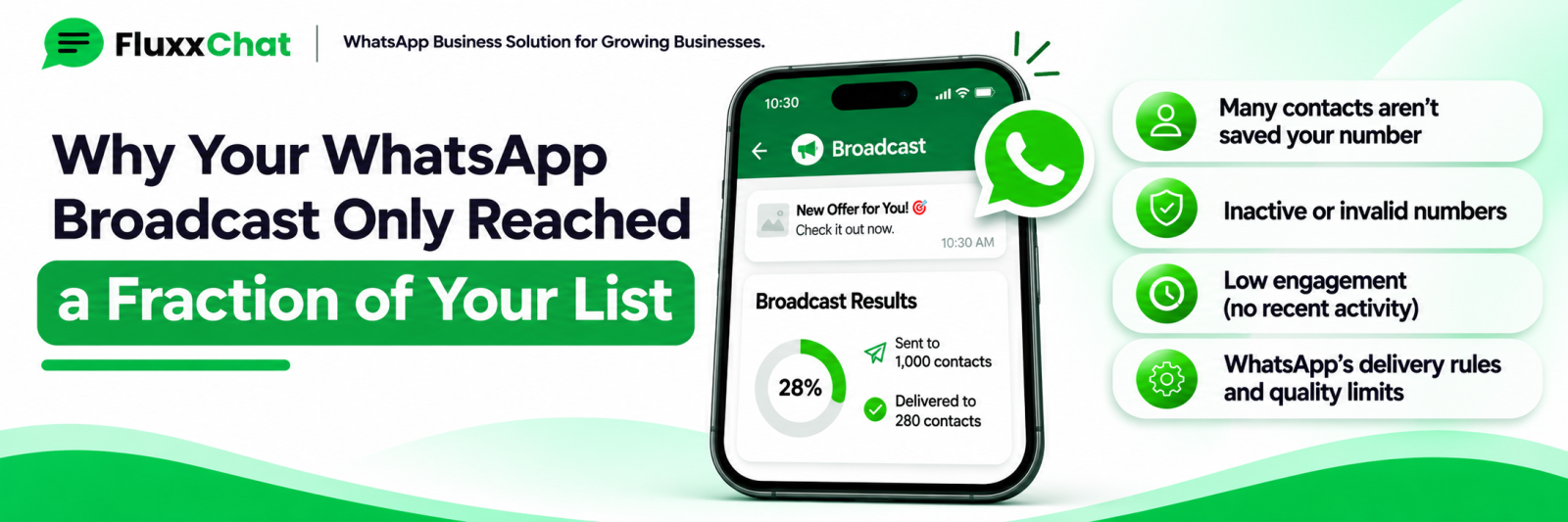
2. Broadcasts are not reaching people. This surprises everyone. In the Business app, a broadcast only reaches contacts who have saved your number in their phone. If you have 2,000 customers and 300 have saved you, your broadcast reached 300. The API has no such restriction, provided you have opt-in and an approved template.
3. Messages arrive after hours and nobody sees them. Enquiries come in at 9pm and are read at 10am. By then the customer has messaged someone else.
4. You are losing history. An employee leaves and the conversations leave with them. The next person starts every customer from zero.
5. You need it connected to something. Your CRM, your website, your order system. The app cannot connect to anything.
6. You cannot tell what is happening. How many enquiries came in last month? How fast do you reply? Which campaign produced orders? The app has no answers.
If three or more of these apply, the app is costing you more than the API would.
What changes when you move
You get a shared inbox
Everyone on the team works the same number from a browser. Conversations are assigned to people, internal notes can be added that the customer never sees, and the full history stays with the business.
Messaging becomes rule-based
This is the part that trips people up, so it is worth understanding properly.
On the API, there are two kinds of messages:
Session messages — any message you send within 24 hours of the customer’s last message. Free-form, no approval needed, and replies inside this window are not charged.
Template messages — anything you send outside that window. These must be pre-approved by Meta and are charged per message.
This is why opt-in and templates matter so much on the API, and why you cannot simply blast whatever you like.
Automation becomes real
Not just an away message. A visual flow that greets the customer, asks what they need, answers common questions, collects their details, and hands over to a person when the conversation needs one.
Instagram comes into the same place
With FluxxChat, Instagram DMs and comment-triggered messages land in the same inbox as WhatsApp. For a business running both, that removes an entire layer of switching between apps.
You can see the numbers
Delivery and read reports, response times, which campaign produced which conversations, what each message cost.
What it costs
Two separate things, and people often confuse them.
The platform fee. FluxxChat plans, GST included:
Plan | Monthly | Yearly | Numbers | Team members |
Starter | ₹999 | ₹9,990 | 1 | 3 |
Growth | ₹1,999 | ₹19,990 | 3 | 10 |
Enterprise | ₹2,999 | ₹29,990 | Unlimited | Unlimited |
All three include the WhatsApp Business API, Instagram DM automation, chatbot flows, broadcast campaigns, drip sequences, product catalog with Meta sync, click-to-WhatsApp ad leads, shared team inbox and wallet billing. Enterprise adds full API and webhook access, a dedicated manager and SLA support.
There is also a one-time plan starting at ₹14,999 with a yearly AMC, for businesses that prefer not to pay monthly.
Meta’s message charges. Separate, paid from a prepaid wallet, and charged per message you send outside the 24-hour window. Rates vary by template category — marketing, utility, authentication — and by country. Replies sent inside the 24-hour window are free.
The wallet logs the cost of every message, so you can see exactly where the spend goes rather than receiving one opaque bill.
When you should not move
Be honest about this. The API is not automatically better.
• One person handles everything and always will. The app is fine.
• You get a handful of messages a week. Automation solves a problem you do not have.
• Nobody will set it up. Templates, flows and opt-in need someone to own them.
• You cannot answer faster than you do now. The API does not add staff. It makes an existing team more effective; it does not replace one.
What moving involves
1. A Meta Business account, verified. If you do not have one, this is where to start.
2. A phone number that is not currently active on WhatsApp — or an existing one migrated, which means it stops working in the app.
3. A display name that matches your business and meets Meta’s naming rules.
4. Embedded signup — with FluxxChat this connects your number to the official WhatsApp Cloud API in a few steps rather than a long manual process.
5. Templates submitted for the messages you will send outside the 24-hour window.
6. Your team added, with roles.
7. Flows built for your common enquiries.
Realistically: connection in a day or two if your Meta account is ready; a week to have templates approved and flows working properly.
Frequently asked questions
Can I keep my existing number? Yes, but it has to be migrated, and once migrated it no longer works in the WhatsApp Business app. Export anything you need from the app first.
Will customers see any difference? They see the same WhatsApp chat. If you obtain the green tick, they see a verified badge. Otherwise the experience is identical from their side.
Can I go back to the app? A number can be de-registered from the API and used in the app again, but history does not come with it. Plan the move rather than experimenting with your main number.
Do I need a developer? Not for the Starter and Growth plans — they are used through the FluxxChat interface. API and webhook access, for connecting your own systems, is on Enterprise.
Is the API only for large companies? No. That was true years ago when access was restricted and expensive. Today a three-person business with two people answering enquiries is a perfectly normal API customer.
What happens to my broadcast lists from the app? Contacts can be imported, but you need valid opt-in to message them on the API, and the message must use an approved template. Opt-in is not optional.
Ready to automate WhatsApp and Instagram?
Start with FluxxChat: campaigns, chatbot and a shared inbox for your team.
Get started free