In this article
- What a shared inbox is
- Team sizes and plans
- Deciding how conversations get assigned
- By rotation
- By topic
- By ownership
- Manual pickup
- The rules to set
- Using internal notes properly
- Tagging and organising
- Templates for the team
- Automation and people together
- Watching the numbers
- Rolling it out
- Frequently asked questions
The moment a business grows past one person answering messages, WhatsApp becomes a problem.
The usual arrangement: the owner’s personal number is the business number. When they are busy, they forward messages to someone else. That person replies from their own number. The customer now has two numbers and no idea which is official. Nobody knows what was said. When the employee leaves, the conversations leave too.
A shared inbox solves this, but only if you set the rules around it.
What a shared inbox is
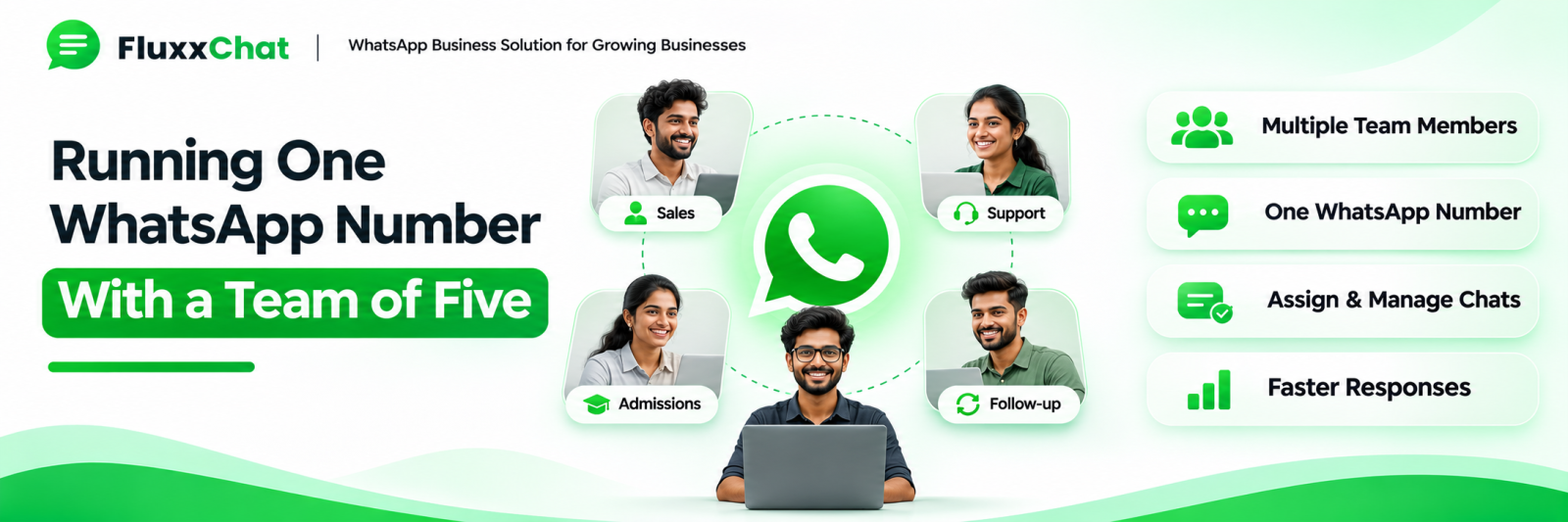
One WhatsApp number. Many people working it from a browser, at the same time.
| Phone-based WhatsApp | Shared inbox |
Who can reply | One person on one phone | Everyone on the team |
Where history lives | On that phone | On the platform |
Assignment | None | Each conversation owned by someone |
Internal notes | No | Yes, invisible to the customer |
If someone leaves | History goes with them | History stays |
Oversight | None | Response times, volumes, who handled what |
Team sizes and plans
FluxxChat plans, GST included:
Plan | Monthly | Numbers | Team members |
Starter | ₹999 | 1 | 3 |
Growth | ₹1,999 | 3 | 10 |
Enterprise | ₹2,999 | Unlimited | Unlimited |
For most small businesses, Starter covers it. A team of five working one number needs Growth.
Deciding how conversations get assigned
This is the decision that determines whether the inbox works. There are four common approaches.
By rotation
Conversations go to whoever is next in line.
Good for: teams where everyone handles everything equally — general enquiries, support. Watch for: one person collecting the difficult conversations while others get easy ones.
By topic
Sales enquiries to one person, support to another, accounts to a third. A chatbot asks the first question and routes accordingly.
Good for: businesses where the skills genuinely differ. Watch for: the customer having to re-explain when they are routed wrongly.
By ownership
A customer always goes to the same person.
Good for: B2B, high-value customers, long sales cycles, anywhere relationship matters. Watch for: that person being on leave. Needs a clear cover rule.
Manual pickup
The conversation sits in a shared queue and whoever is free takes it.
Good for: small, closely coordinated teams. Watch for: conversations nobody picks up. Needs someone watching the queue.
Most businesses end up with a mix: automatic routing by topic, with manual reassignment when needed.
The rules to set
A shared inbox without rules becomes a shared inbox where things get missed. Write these down and put them where the team can see them.
1. Response time targets
Situation | Target |
Working hours, new enquiry | Under 15 minutes |
Working hours, ongoing conversation | Under 1 hour |
Outside hours | Auto-reply immediately, human response by 10am |
2. Nothing stays unassigned. Every conversation has an owner within ten minutes of arriving.
3. Close what is finished. Resolved conversations get marked closed, so the open queue means something.
4. Notes, not memory. Anything the next person would need to know goes in an internal note.
5. Handover before leave. Open conversations get reassigned before someone goes off.
6. Escalation path. Everyone knows who to pass a complaint or a pricing exception to.
Using internal notes properly
Notes are the feature teams underuse, and they are what makes a handover painless.
What belongs in a note:
• What the customer actually wants, in one line
• What was quoted or promised, and when
• Anything sensitive about the situation — a previous complaint, a payment issue
• What the next step is, and by when
Note: Wants 200 units by 15 Dec. Quoted ₹X per unit on 18 Nov, waiting for his approval. Follow up Thursday if no reply. He prefers calls over messages.
The customer never sees this. The next person reads it in five seconds and continues as though they had been there all along.
Tagging and organising
Tags let you find things later and tell you what is happening across the business.
Simple tag sets that work:
By stage: new enquiry, quoted, negotiating, confirmed, lost By topic: sales, support, accounts, complaint By source: website, instagram, google, ad, referral By product or service
Do not build forty tags. Ten that everyone uses consistently beat forty that nobody applies.
Templates for the team
Common answers should be saved, not retyped.
• Business hours and location
• Pricing basis
• Delivery timelines
• Payment options
• Warranty or return policy
• Document requirements
But — saved replies should be edited before sending, not fired off verbatim. A customer who asks a specific question and gets an obviously canned paragraph feels unheard. Use the template as a starting point and add the sentence that addresses their actual situation.
Automation and people together
The automation handles the first ninety seconds. People handle the rest.
A sensible division:
Handled by the bot | Handled by a person |
Greeting and acknowledging | Anything specific to their situation |
Asking what they need | Pricing conversations |
Business hours, address, directions | Complaints |
Collecting name and requirement | Negotiation |
After-hours acknowledgement | Anything emotional |
The handover must be clean. The person taking over should see everything the bot collected, so the customer is never asked the same thing twice. That is the most common failure of chatbot setups and the fastest way to annoy someone.
And there must always be a way out: “type AGENT to speak to someone” should work at any point in any flow.
Watching the numbers
A shared inbox gives you management information you did not have before.
Metric | What to do with it |
First response time | Your main service metric; track it weekly |
Conversations per person | Spot imbalance before someone burns out |
Unassigned queue length | Should be near zero |
Conversations open over 24 hours | Investigate every one |
Volume by hour and day | Staff accordingly |
Enquiries by source | Where your marketing is working |
Use these to manage the system, not to police people. A dashboard used to rank staff produces fast, unhelpful replies. A dashboard used to spot that Tuesday mornings are understaffed produces a better service.
Rolling it out
Week 1. Set up the number, add the team, set roles. Decide the assignment approach.
Week 2. Build the first-response flow and five saved replies. Write the rules down.
Week 3. Go live with the team. Review daily for the first week — what got missed, what was slow, what the bot got wrong.
Week 4 onwards. Weekly review of response times and open conversations. Adjust the flow based on what customers actually ask.
Tell customers once: “We have moved to a single business number — please save this one.” Then stop using the old numbers.
Frequently asked questions
Can two people reply to the same conversation at once? The platform shows who is in a conversation, which prevents duplicate replies. Assignment is what really prevents it.
What happens when someone leaves the company? Remove their access. Their conversations and notes remain, and get reassigned. This is the main reason not to run a business on personal numbers.
Can people work from their phones? Yes, through a browser. The point is that it is not tied to one device.
Do customers know several people are replying? Only if you tell them. Many teams have each person sign off with their name, which customers generally prefer.
Can we restrict who sees what? Roles control what team members can access. Useful when you have a large team or sensitive conversations.
How many people should one number have? It depends on volume, not team size. Measure conversations per day and your target response time, then staff to meet it.
Ready to automate WhatsApp and Instagram?
Start with FluxxChat: campaigns, chatbot and a shared inbox for your team.
Get started free